30초 요약
In October 2025, Matthew Berman reviewed OpenAI’s demonstration of ChatGPT Atlas, from its combined address and prompt bar to code review, email editing and agent-assisted shopping. He liked the interface and the potential to work across sites, while cautioning viewers about granting an AI access to a browser. These are observations about a launch demo, not an independent evaluation. Update: OpenAI later [deprecated Atlas](https://help.openai.com/en/articles/20001371), stating that it was scheduled to stop working on August 9, 2026. Availability and subscription details in the video are historical. The video includes sponsorships from Abacus.AI and Dell Technologies.
- 1A browser with a chat interfaceThe address bar accepted URLs or prompts, while the interface retained ChatGPT conversations and offered an agent mode.
- 2Search remembered browsingThe demo searched browsing history using a description of a document instead of an exact URL or keyword.
- 3Review a change in contextA GitHub pull request and diff were fed into the sidebar to assess a proposed cherry-pick; a model’s assessment is not a substitute for review and testing.
- 4An agent crosses websitesThe agent demo added comments in a Google document and created tasks in a Linear tracker.
- 5A cart awaits human reviewA recipe request led the agent to add groceries to an Instacart cart. The shown workflow stopped before purchase.
핵심 정리
- Atlas combined ordinary navigation, ChatGPT prompts and a sidebar that could work with the page being viewed.
- The launch demo showed natural-language retrieval of a previously visited page and a contextual review of a GitHub change.
- Agent mode demonstrated actions across Google Docs and Linear and assembled a grocery cart, leaving the final purchase to a person in that demonstration.
- Browser access can expose sensitive information and untrusted page content, so permissions and human review matter.
- OpenAI subsequently deprecated Atlas; its launch features and plans should be read as historical.
챕터별로 다듬은 전문 읽기
A browser built around ChatGPT
Berman reacts to the Atlas launch and introduces its address bar, memory and history search. He sees similarities to Perplexity Comet but praises the interface.
OpenAI has introduced ChatGPT Atlas, an AI-native browser, and I am impressed by how it brings an assistant into navigation and browser control. I am reacting to the company’s launch demonstration rather than reporting my own extended test. Atlas was later deprecated: OpenAI said it was scheduled to stop working on August 9, 2026. The product and plans described here are the October 2025 launch.
Sam Altman and the people who built Atlas presented several use cases. If you have used Perplexity Comet, some ideas will feel familiar, but I think OpenAI’s interface is especially polished. The home screen resembles a conventional browser, with ChatGPT conversation history on the left.
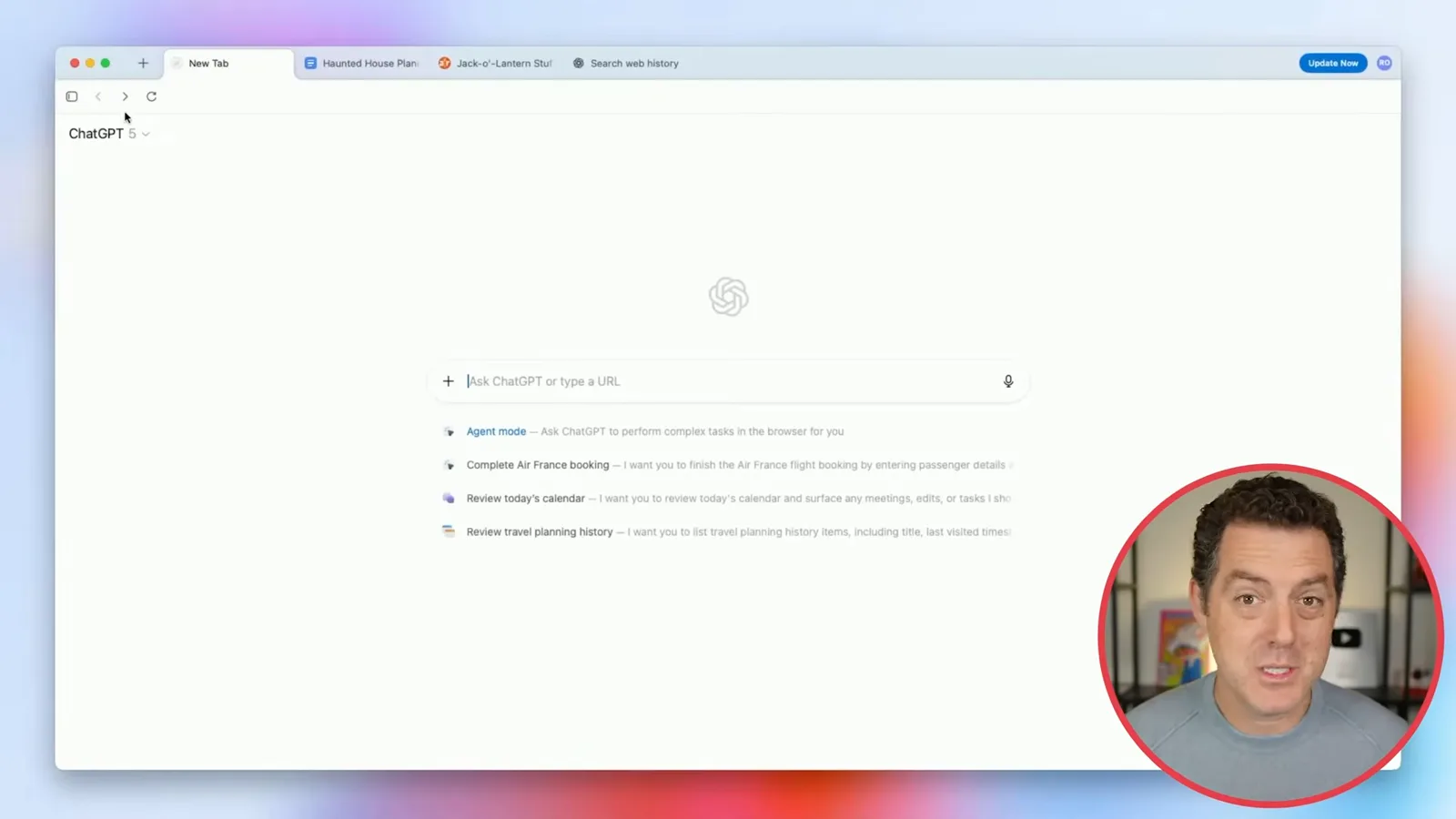
The main bar accepts either a URL or a prompt, and suggested actions include agent mode, where ChatGPT can operate the browser for you. I see memory as a differentiator: in the launch interface, suggestions could reflect prior activity. Browser memories were optional, and the assistant’s access depended on user settings and permissions.
One example searches browser history when you remember the substance of a page but not its title or address. I have found a similar approach useful in email: describing what a message was about can be easier than remembering its sender or exact keywords.
The demonstrator asks for a document about Atlas core design. ChatGPT searches the history and returns a response pointing to the page, alongside tabs for other kinds of results. The video also includes a sponsored segment from Abacus.AI; its advertised products and price were those presented at the time.
Sidebar, search and editing
The demonstration uses a GitHub change, search results and a film review to show contextual assistance. It then rewrites a Gmail draft.
The ChatGPT sidebar stays beside a webpage, allowing questions about what is on it. In the GitHub example, the demonstrator asks for a summary of a task and its acceptance criteria, then asks whether the change is safe to cherry-pick into a release candidate.
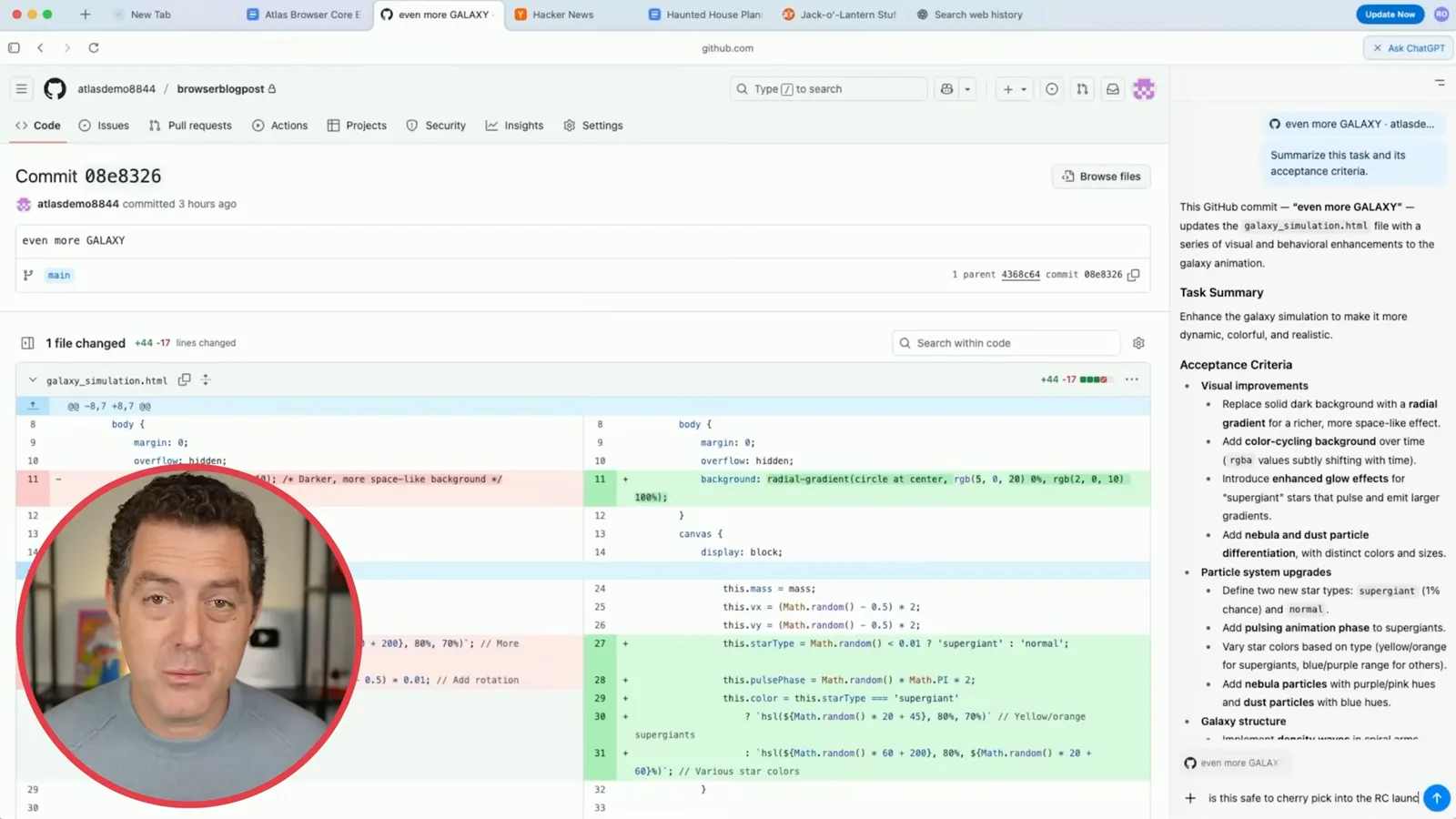
The model describes the diff as mostly visual and non-destructive and judges the change low risk. That is a useful example of contextual assistance, but a model’s reading of a diff cannot establish that a release is safe: developers still need appropriate review and testing.
The next search concerns a new Paul Thomas Anderson film. The first view offers a ChatGPT synthesis with links, images and a discussion of reviews. Other tabs provide a more familiar search-results view, including images, videos and news.
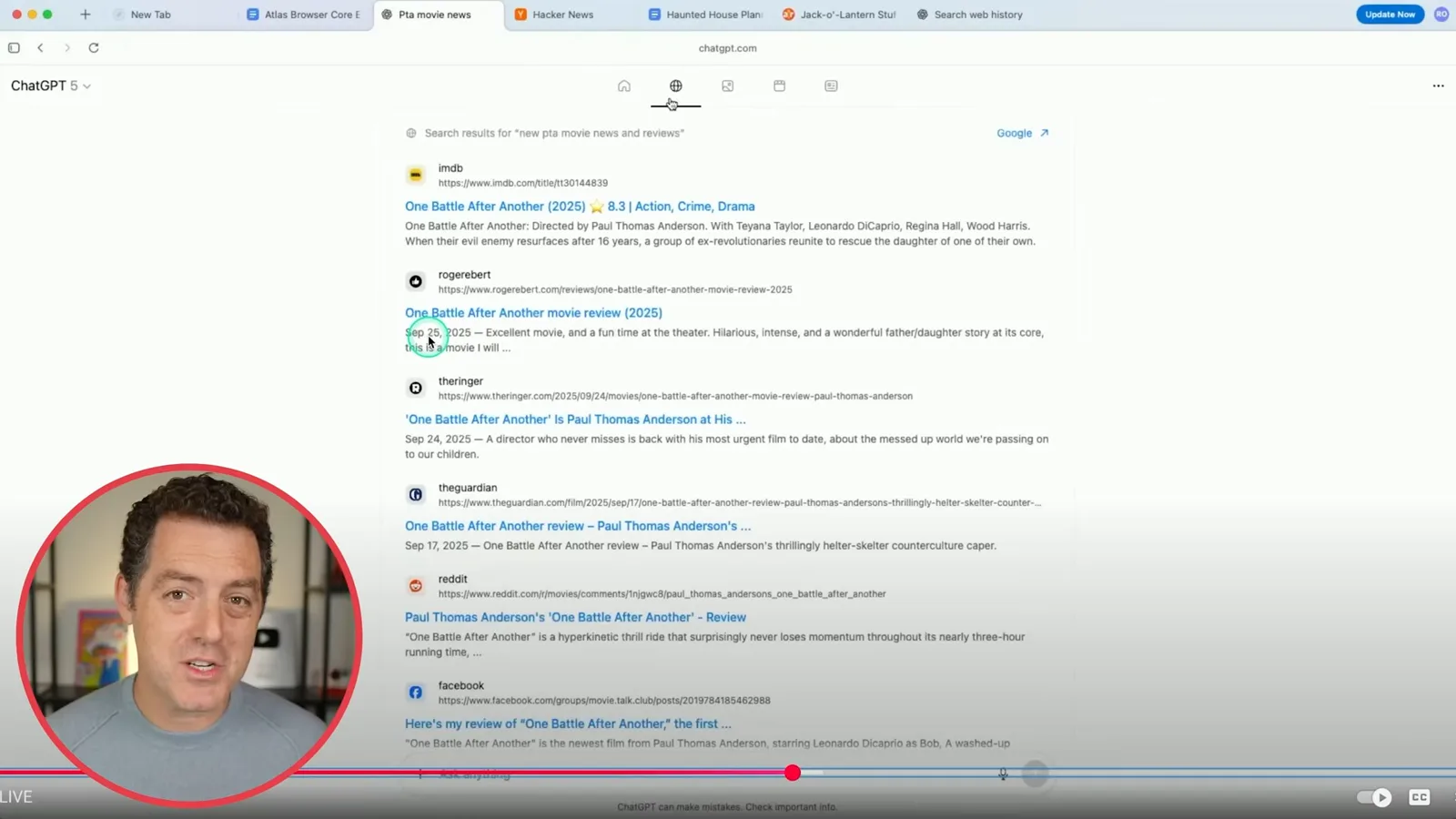
I suspect Google powers the conventional results because of a Google link and the speed of the results; that is my inference from the demo, not a confirmed technical explanation. I use ChatGPT for most searches, but a traditional search can be faster and more direct when I already know the destination.
Clicking a result opens the webpage while the ChatGPT response moves into a sidebar, so the conversation can continue alongside the source. The demonstrator opens a film review and asks for a summary in five words or fewer.
Next comes a Gmail draft. The demonstrator selects the text, invokes ChatGPT from inside the page and requests a cleanup. The resulting text can be edited, accepted or cancelled rather than being silently sent.
Agents act across sites
A document and issue tracker task illustrates an agent controlling the browser. A second demo adds recipe ingredients to a grocery cart for review.
The more ambitious example asks the agent to work across a Google document and a Linear tracker. It should comment on missing assignments in the document, tag the relevant people by email, and create and assign issues for the current week’s tasks in the tracker, which it finds through browser history.
When the agent takes over, a visible cursor shows its actions. I think that visibility is a deliberate design choice: a user can follow what is happening. The video also contains a sponsorship from Dell Technologies; the demo itself does not establish that every action an agent takes is correct or safe.
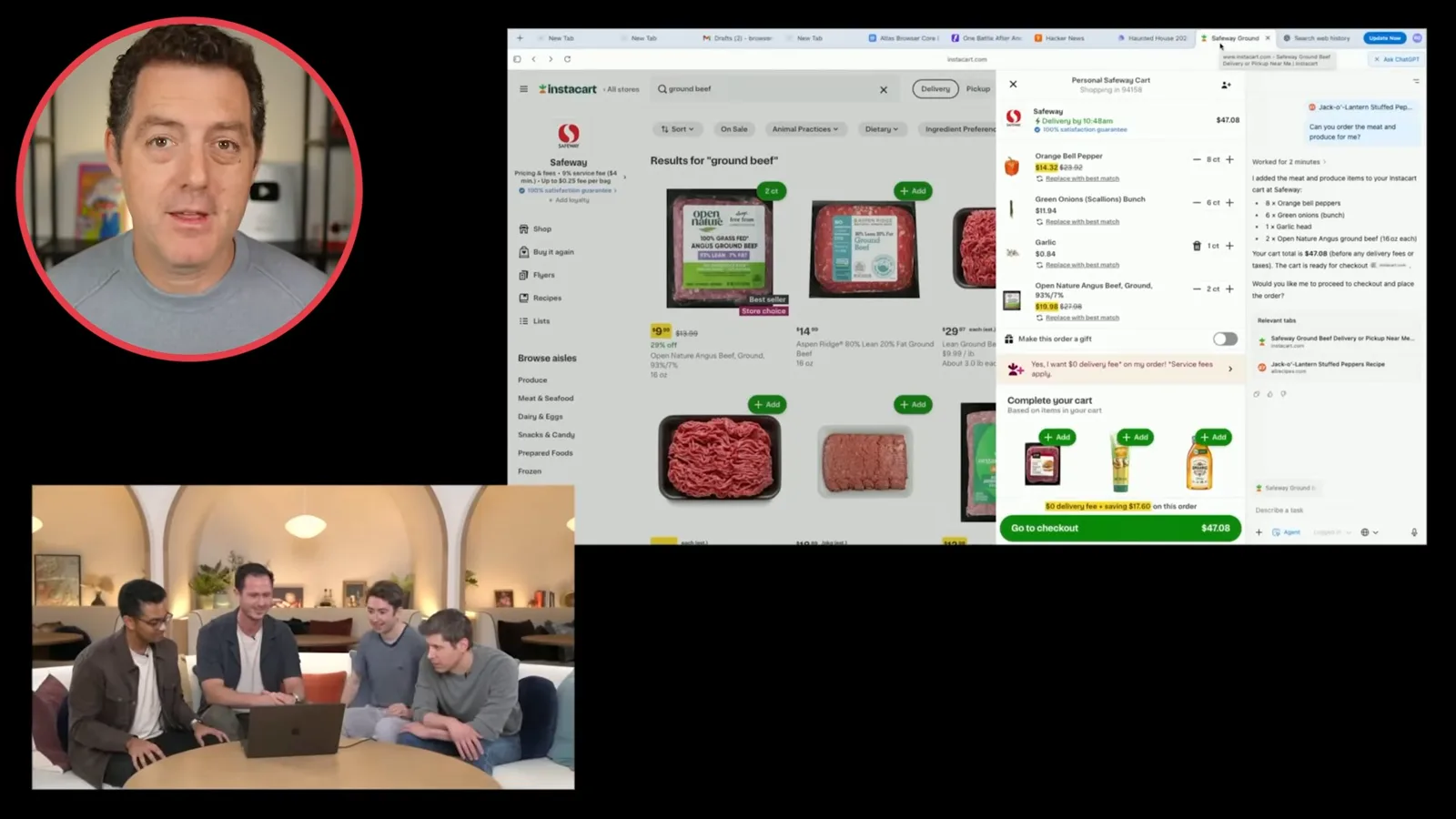
The presenter moves on while the first task runs, illustrating the appeal of delegating a multi-step job instead of watching it continuously. In the second example, ChatGPT identifies ingredients for a recipe serving eight, and the user asks it to order only the meat and produce.
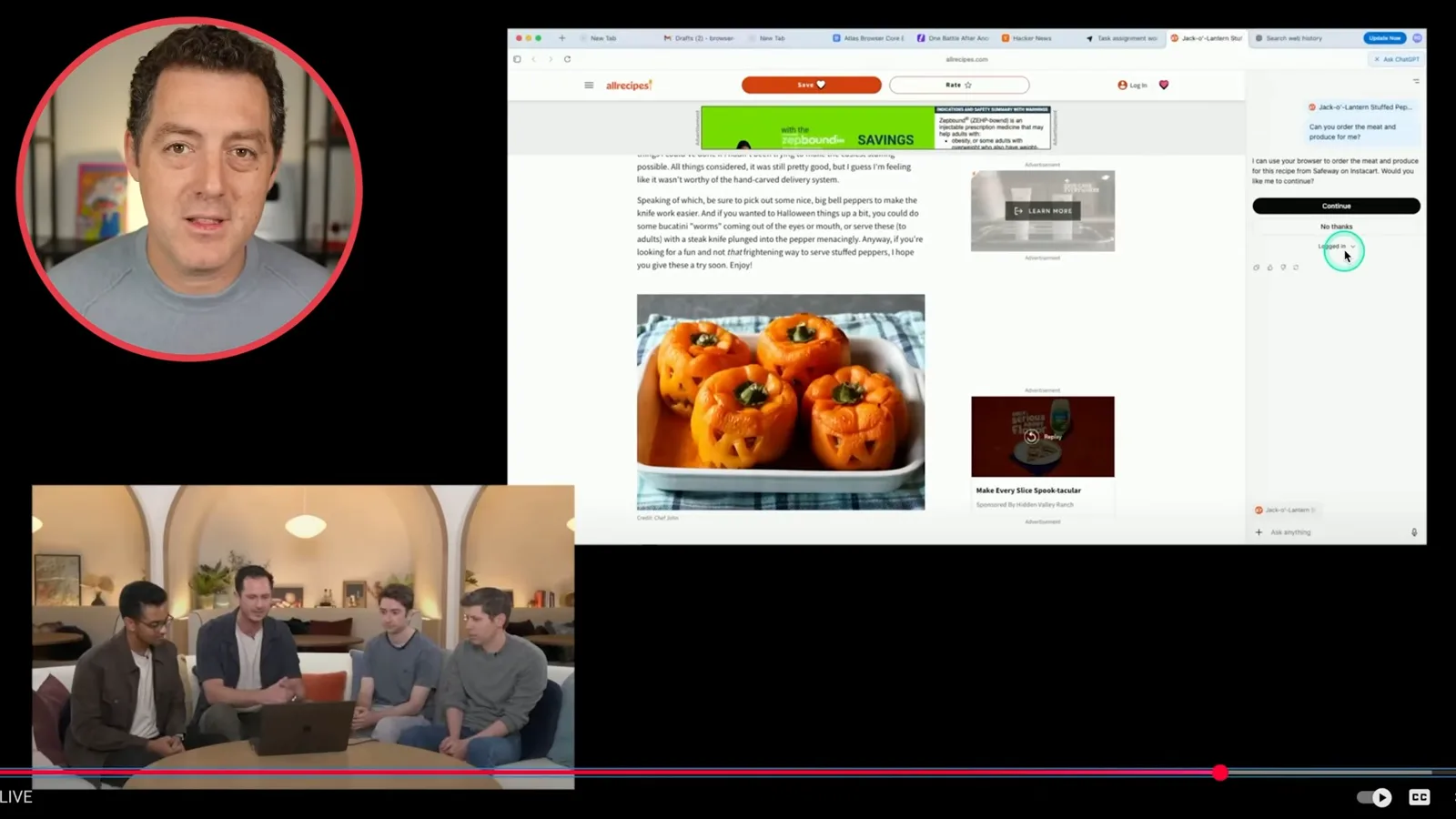
The demonstration offers logged-in and logged-out choices before the agent proceeds. Berman contrasts using a local browser with the earlier Operator experience, which ran a separate cloud environment and could require repeated authentication. Access is governed by the user’s choices; browser content and credentials are sensitive, and untrusted pages can attempt to manipulate an agent.
The agent opens a Safeway storefront on Instacart and visibly searches for and adds ingredients such as peppers, green onions, garlic and ground beef. The user can interrupt or take control. In this particular demonstration, the agent prepares a cart and waits for the person to review and complete the purchase.
Returning to the earlier task, the presenters show the agent’s work after about three minutes: issues in Linear and comments in the Google document. This is a launch demonstration, so the examples show intended workflows rather than measuring reliability across all websites.
Launch availability
Berman recaps the document workflow and the Mac launch. OpenAI subsequently deprecated Atlas, so its launch availability is historical.
At launch, Atlas was available on macOS and Berman said Windows would follow. He described agent mode as available to Plus and Pro users; OpenAI’s launch announcement also included Business in the preview. These details are historical: OpenAI later deprecated Atlas. Berman planned to test it further in a subsequent video.
같은 채널의 다른 글
 34:21EN
 Matthew Berman· 2026년 10월 27일Matthew Berman Examines Anthropic’s IPO Filing, AI Growth and GovernanceMatthew Berman, Sam Altman · Forward FutureThe presenter reviews the S-1’s financial metrics, compute strategy and voting structure while questioning the tension between rapid AI development and safety.
 0:36ENMatthew Berman· 2026년 10월 25일Kimi K3.1 and a Rubik’s Cube Solver DemonstrationMatthew Berman · Forward FutureMatthew Berman shows a scrambled virtual cube being solved and gives the Kimi K3.1 test a favorable assessment.
 25:50ENMatthew Berman· 2026년 10월 24일Kimi K3.1 Pro Tested: Strong 3D Demos, Uneven Results and Competitive PricingMatthew Berman · Forward FutureMatthew Berman tests the open-weight model on coding, 3D rendering and visual explanations, then compares benchmark results and prices.
 32:20ENMatthew Berman· 2026년 10월 23일Who Is Local AI For? The Costs, Trade-offs and a Hybrid FutureMatthew Berman · Forward FutureMatthew Berman weighs data control and independence against hardware cost, setup complexity and inference speed.
 1:03:37ENMatthew Berman· 2026년 10월 23일Matthew Berman’s Team Tests Kimi K3.1 on Animation, Games, and ChartsMatthew Berman, Alex, Brian · Forward FutureA live team AMA turns into an informal test of Kimi K3.1, from personal-agent workflows to motion graphics, a browser game, and a benchmark chart.
 0:53ENMatthew Berman· 2026년 10월 22일Sam Altman on AI and the Discovery of New KnowledgeSam Altman · OpenAIAltman expects progress in mathematical discovery to extend to biology, materials and energy.