30초 요약
Alex, filling in for Matthew Berman, explores Google’s Project Genie web prototype in January 2026. He creates and remixes interactive environments powered by Genie 3, tries text and image inputs, and encounters lag, inconsistent perspective and unexpected world changes. Google initially rolled the prototype out to eligible adult Google AI Ultra subscribers in the United States, with a 60-second generation limit. Genie 3 itself had been previewed in August 2025; Project Genie was the new prototype in this video.
- 1A racetrack to exploreAlex drives a blue car around an AI-generated backyard track and notes both input lag and the one-minute session limit.
- 2From prompt to world sketchHe supplies a space environment and character, then edits the generated preview before creating the world.
- 3A first-person cloud worldA second scene responds to jumping, although navigation remains laggy and the generated environment changes as he moves.
- 4How the prototype worksGoogle describes world sketching, exploration and remixing, using Genie 3 alongside Nano Banana Pro and Gemini.
- 5Limits and access at launchGoogle lists imperfect control and realism, latency and a 60-second limit; its initial rollout was to eligible adult US Ultra subscribers.
- 6An image-based LEGO cityAlex uploads a generated character image and explores a city, illustrating both moving scene elements and visual oddities.
핵심 정리
- Project Genie generates a navigable scene in response to user actions rather than presenting a fixed video.
- Users can describe environments and characters, edit an initial sketch, and choose a perspective.
- In Alex’s trials, latency, shifting details and inconsistent controls limited the experience.
- The January 2026 prototype limited generations to 60 seconds and did not include promptable events during exploration.
- Remixing and image inputs change the generated scene, but results do not always preserve every intended detail.
- The launch initially targeted eligible US Google AI Ultra subscribers aged 18 or older; access may change.
챕터별로 다듬은 전문 읽기
A generated racetrack
Alex introduces himself and explores a preset racing world. The prototype limits the session and lets him download the resulting video.
I’m Alex, filling in for Matthew Berman, and today I’m trying Google DeepMind’s Project Genie. The experimental web app uses the Genie 3 world model to generate interactive environments as you explore. Genie 3 was previewed in August 2025; this January 2026 video tests the newer Project Genie prototype.
The opening screen offers sample worlds or a way to create your own. I start with a backyard racetrack, controlling a small blue car with keyboard movement and camera keys. The scene looks impressive, although the controls are laggy and difficult to steer. A timer ends the simulation after roughly a minute.
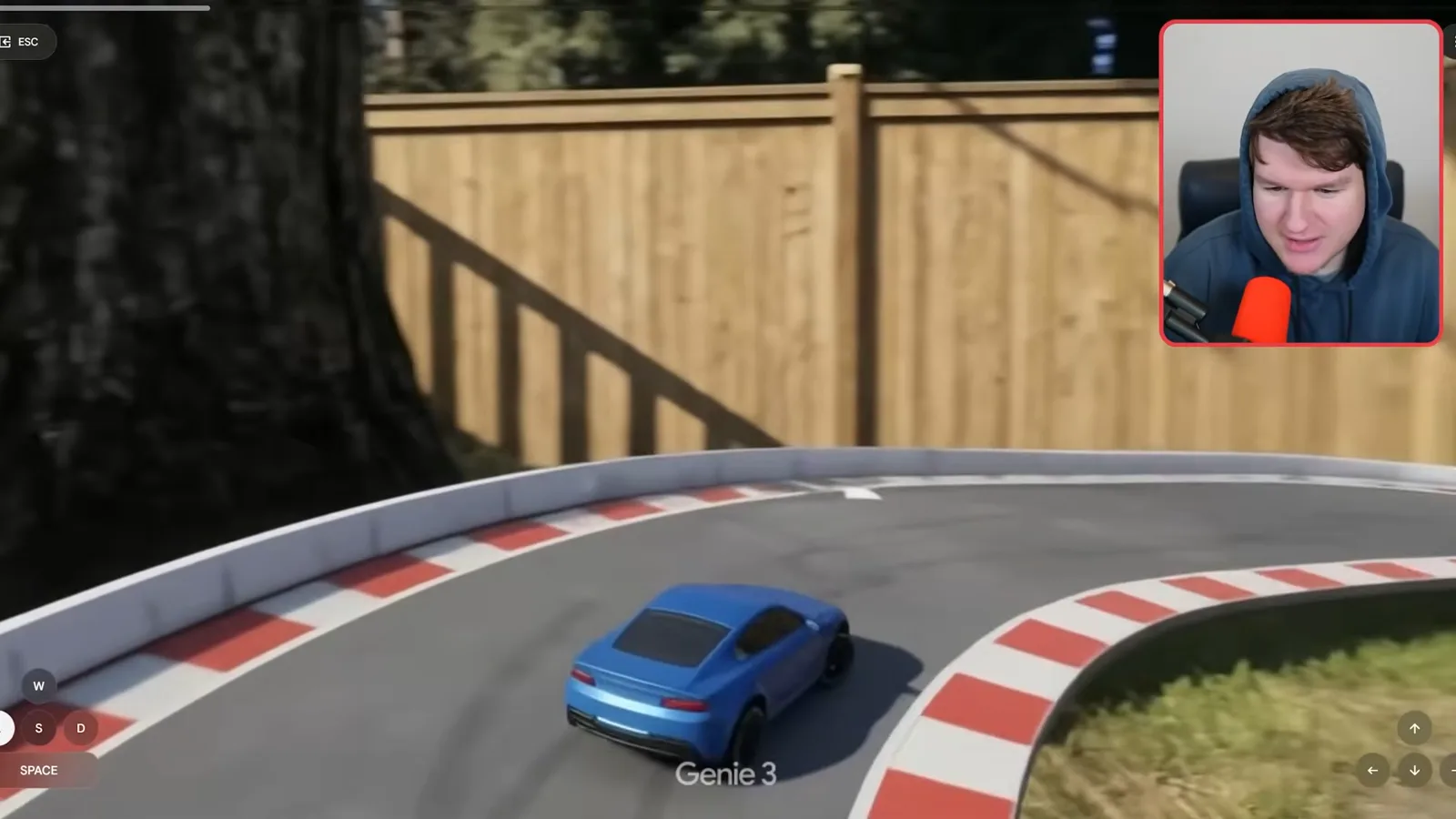
After the run, I can download a video without the interface, though it carries a Genie 3 watermark. The application also lets me reuse the original prompt. Here the description is straightforward: a backyard track and a blue toy car.
Creating alien and cloud worlds
He edits a space-world sketch and tests the generated scene. A first-person cloud world follows, revealing lag and unpredictable generation.
To make a new world I use ChatGPT to help write an environment and character prompt: an enormous organic alien structure in space, with moving corridors and a human explorer in a futuristic suit. The creation interface accepts a starting image, randomizes prompts and lets me choose first- or third-person perspective.
Project Genie first produces a sketch that can be edited before entering the world. I change the alien environment from purple to orange and red. The revised preview preserves much of the original layout while changing the color, which makes it useful for adjusting the scene before generation.
Inside the alien world, the result does not behave as I expected from a first-person selection: I appear to control a separate astronaut, and another character follows. The camera and jump controls are unreliable, and the scene shifts from orange to blue as I move. I am not sure whether I selected the wrong perspective or the generation failed to follow it.
I try again with floating cloud platforms and cities above an endless sky, inspired by Skyward Sword. This time the initial sketch shows hands in first person, and the generated scene does too. It looks more like snow than cloud, but I can jump and move around.
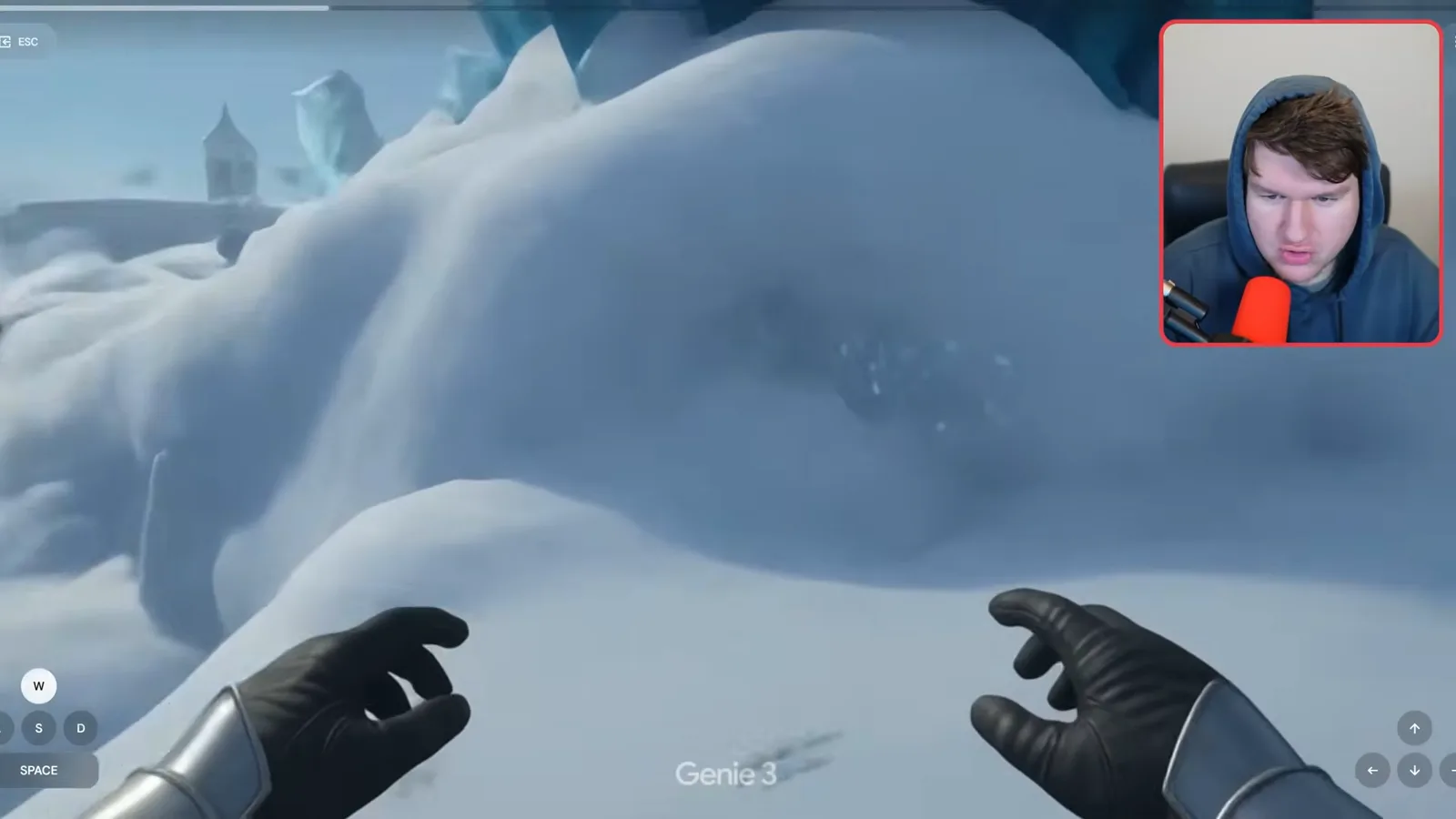
I jump off an edge, fall for a while and land in another area below. That is a fun surprise, although latency makes the movement hard to control: I have to press jump ahead of when I want it to happen. These generated scenes are exciting, but the session does not establish that the world has a persistent, physically consistent map.
Google’s description and limitations
Alex reviews world sketching, real-time exploration and remixing. He also describes the prototype’s launch access and limitations.
Google describes Project Genie as a prototype powered by Genie 3, Nano Banana Pro and Gemini. Its three functions are world sketching, exploration and remixing. Nano Banana Pro is used for the editable preview; I speculate about how the other components divide the work, but the demonstration does not verify the internal implementation.
World sketching combines text with generated or uploaded images, a character and a chosen viewpoint. During exploration, Google says the model generates the path ahead in real time based on the user’s actions. Remixing lets people adapt existing prompts or gallery examples and download a video of the resulting exploration.
Google lists limitations: scenes may not follow the prompt, image or real-world physics closely; controls can be imperfect or delayed; and generations in this prototype are limited to 60 seconds. Promptable events shown in the earlier Genie 3 preview were not included in this version. At the January 2026 launch, access began with eligible US Google AI Ultra subscribers aged 18 or older; availability can change. See [Google’s launch description](https://blog.google/innovation-and-ai/models-and-research/google-deepmind/project-genie/).
Remixing and image inputs
He recolors the racetrack, creates a LEGO-like world from an image and tests the randomizer. Results show both responsiveness and inconsistencies.
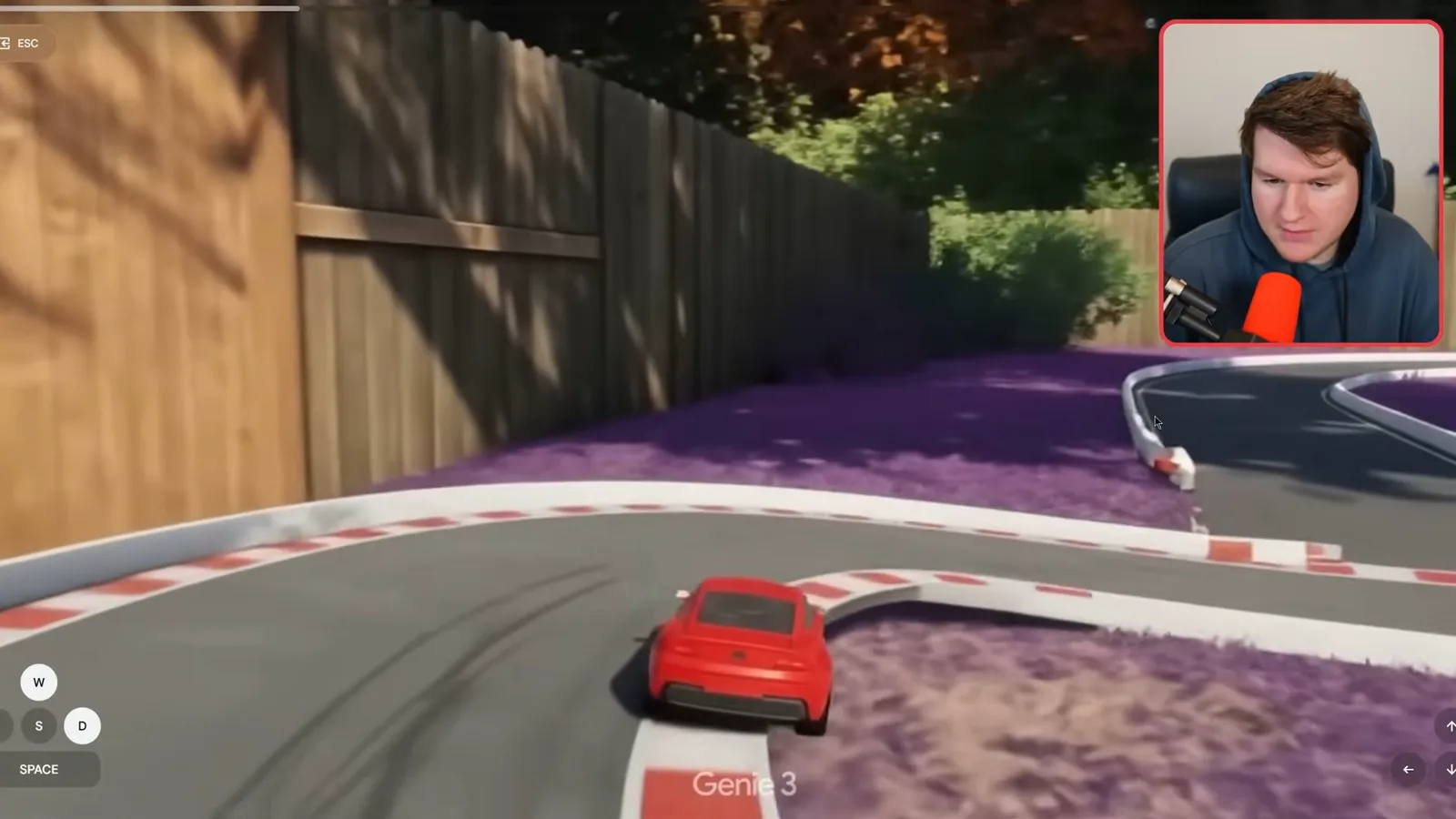
I remix the racing example by asking for a red car and purple grass. The revised sketch matches the request but also changes some leaves toward autumn colors. In the playable scene the car and grass change, while some trees remain green, and the car passes through a wall. The result shows both prompt responsiveness and inconsistent details.
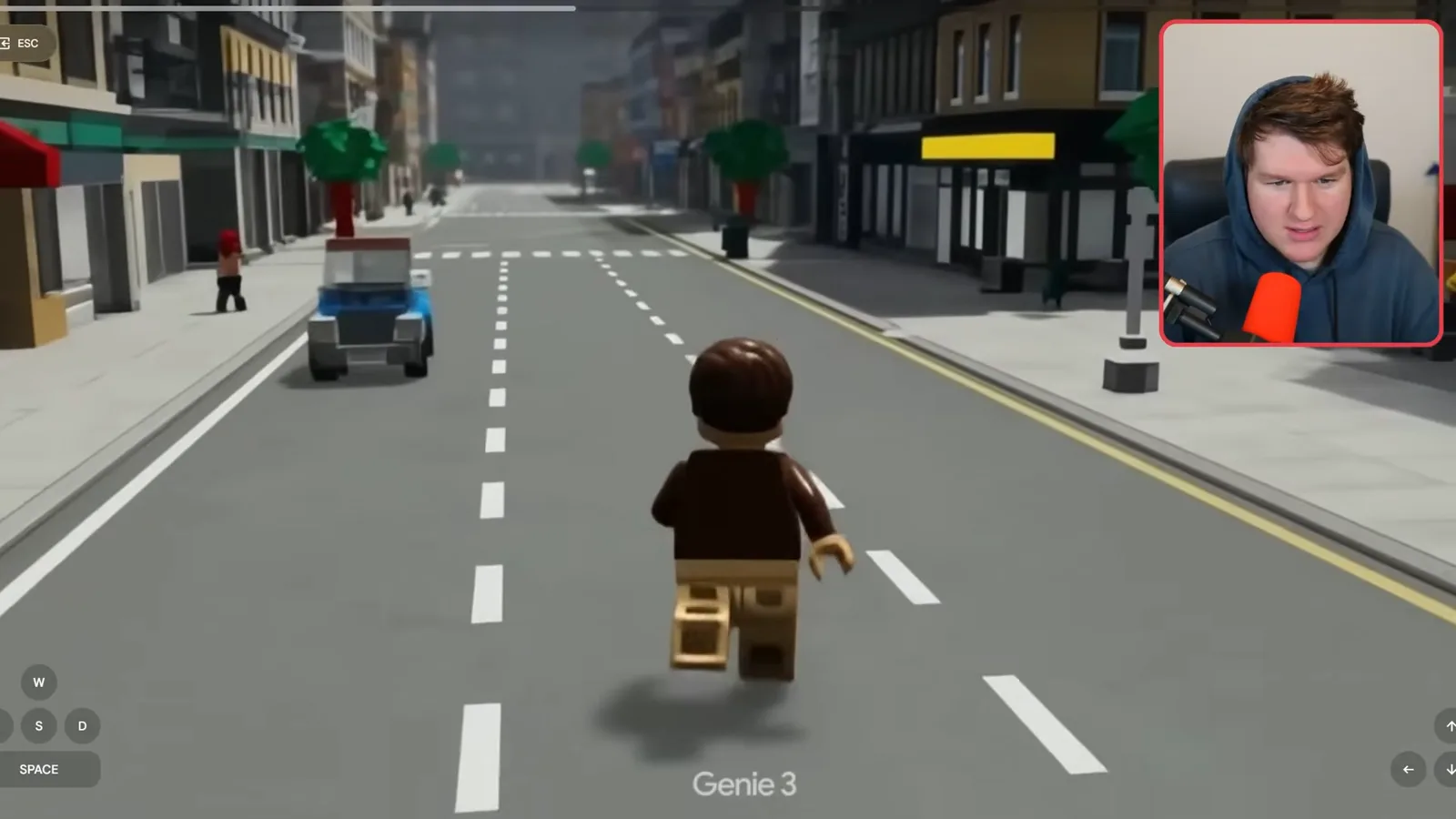
Next I upload an image of Matt converted into a LEGO-like figure and ask for a LEGO city with a LEGO character in third person. The character’s legs look strange, but I can move around the streets and see cars driving. The uploaded image provides a starting point rather than a guarantee that the figure will remain anatomically consistent.
Finally I try the dice icon for randomization. In this session it appears to select from existing example environments and characters rather than inventing an entirely new random pairing. That is an observation from these attempts, not a comprehensive test of every possible result.
같은 채널의 다른 글
 34:21EN
 Matthew Berman· 2026년 10월 27일Matthew Berman Examines Anthropic’s IPO Filing, AI Growth and GovernanceMatthew Berman, Sam Altman · Forward FutureThe presenter reviews the S-1’s financial metrics, compute strategy and voting structure while questioning the tension between rapid AI development and safety.
 25:50ENMatthew Berman· 2026년 10월 24일Kimi K3.1 Pro Tested: Strong 3D Demos, Uneven Results and Competitive PricingMatthew Berman · Forward FutureMatthew Berman tests the open-weight model on coding, 3D rendering and visual explanations, then compares benchmark results and prices.
 32:20ENMatthew Berman· 2026년 10월 23일Who Is Local AI For? The Costs, Trade-offs and a Hybrid FutureMatthew Berman · Forward FutureMatthew Berman weighs data control and independence against hardware cost, setup complexity and inference speed.
 1:03:37ENMatthew Berman· 2026년 10월 23일Matthew Berman’s Team Tests Kimi K3.1 on Animation, Games, and ChartsMatthew Berman, Alex, Brian · Forward FutureA live team AMA turns into an informal test of Kimi K3.1, from personal-agent workflows to motion graphics, a browser game, and a benchmark chart.
 0:53ENMatthew Berman· 2026년 10월 22일Sam Altman on AI and the Discovery of New KnowledgeSam Altman · OpenAIAltman expects progress in mathematical discovery to extend to biology, materials and energy.
 0:22ENMatthew Berman· 2026년 10월 21일A Robot Bodyguard Video Shows Dramatic Rescue ScenariosMatthew Berman · Forward FutureMatthew Berman reacts to a short robot demonstration depicting fighting and vehicle-rescue scenarios.