30초 요약
In this January 2024 tutorial, Matthew Berman proposes keeping a language model and the software to run it locally in case internet or power access is disrupted. He compares model runners and storage media, demonstrates LM Studio and discusses physical protection and maintenance. His suggestion that a model preserves all human knowledge overstates its capabilities: model outputs can be wrong, and model weights are not a complete archive. His storage lifetimes, hardware recommendations and software interface are historical claims rather than guarantees.
- 1Offline accessA local model can remain usable during an internet outage when its software, computer and power are available.
- 2Model size and quantizationBerman recommends choosing a model the hardware can run and using quantization to reduce the file size.
- 3Storage needs maintenanceHe compares SSD, tape and Blu-ray; the suggested lifetimes are estimates rather than promises.
- 4LM Studio demonstrationHe searches for a quantized Dolphin Mixtral model, checks the compatibility estimate and saves local files to an external drive.
- 5Keep the setup usableHe discusses software updates, model updates and battery health as ongoing tasks.
핵심 정리
- A downloaded model can be run locally after setup, provided compatible software, hardware and power remain available.
- Model weights do not contain a complete or reliably retrievable copy of human knowledge, and generated answers require verification.
- Quantization trades model size and performance against possible changes in output quality.
- Storage media, protective equipment and backup power have limitations and need periodic testing and maintenance.
- Berman’s LM Studio interface, model choice and prices reflect his January 2024 demonstration.
챕터별로 다듬은 전문 읽기
Knowledge during an outage
Berman imagines local models as a way to access information when internet services are unavailable. His claim that they store all human knowledge is an overstatement.
Matthew Berman asks whether a local language model could make useful information available during a prolonged outage. He considers not only food and water but also access to knowledge about equipment, medicine and energy. In this January 2024 video, he walks through choosing and storing a model, running it locally and preparing backup power.
Berman describes language models as highly compressed knowledge and imagines them preserving humanity's knowledge after a disaster. That framing is an overstatement: model weights are not a complete or faithful archive, and a model can confidently produce false answers. They should not be the sole source for emergency, medical or other high-consequence decisions; keep independently verified offline references too.
He invokes the Library of Alexandria as an example of lost knowledge and contrasts it with the many physical and digital copies of information today. He is interested in the remaining points of failure, even though he describes the end-of-the-world scenario partly tongue-in-cheek.
A temporary internet outage can prevent access to cloud services such as ChatGPT and Anthropic's models. Berman suggests that a downloaded model running on a local computer can still answer questions without a connection. He also imagines permanent outages, restrictions on AI access, power loss and damage to electronics.
Choosing models and software
He identifies storage, a computer and power as the core requirements. He discusses quantization, model choices and three local inference tools.
His basic setup has three parts: data storage, a computer capable of running inference, and a power source. He shows a small external solid-state drive containing a downloaded model, with room to spare. A working setup also depends on compatible software and hardware, and the files need to remain readable.
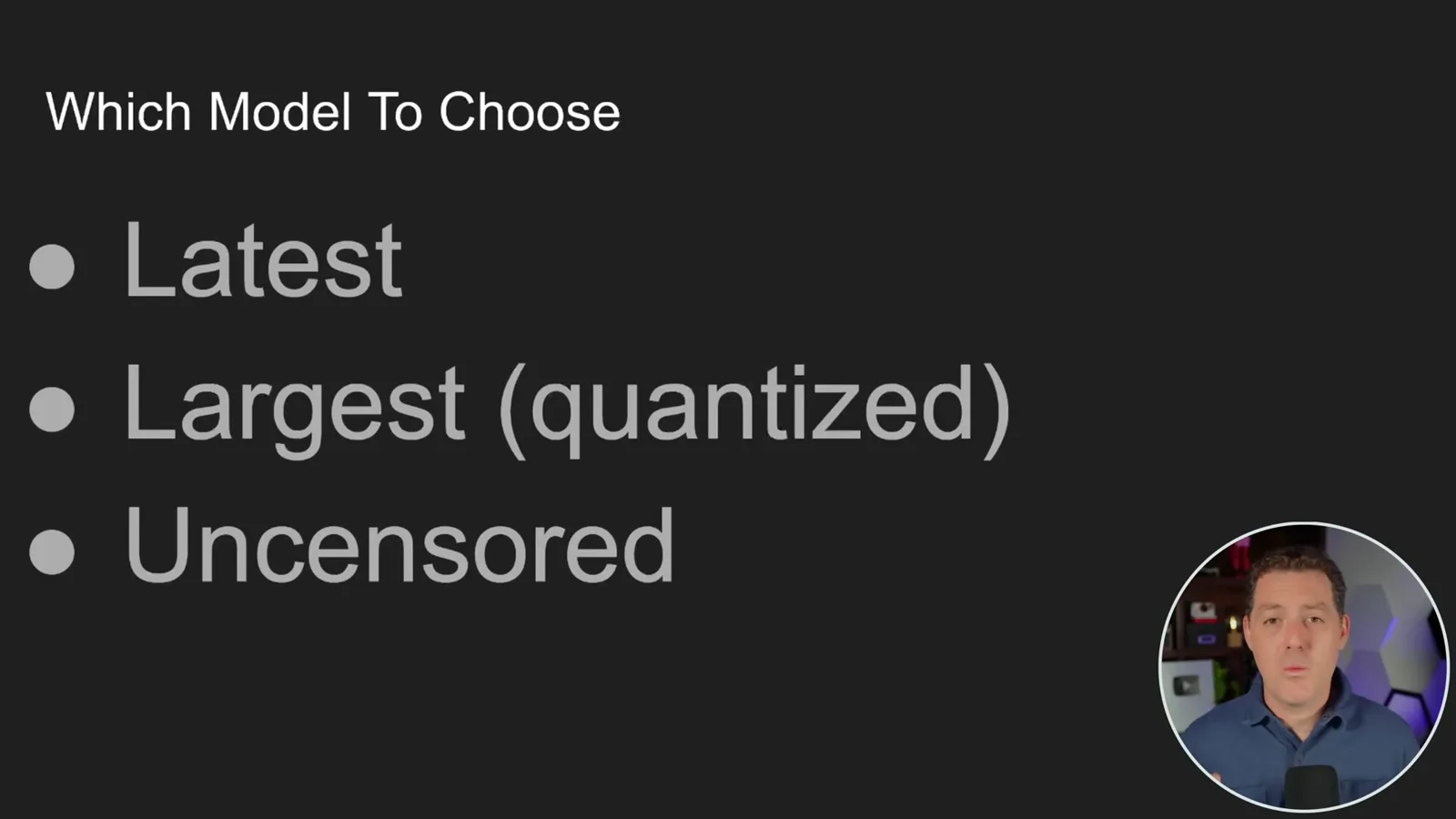
For model selection, Berman favors a recent model and the largest one the computer can actually run. He recommends quantization to reduce size and improve performance, with some potential quality loss. The best trade-off depends on the model, quantization method, available memory and the tasks being tested.
He also favors a model tuned to refuse fewer requests, arguing that an emergency might involve questions a more restrictive model declines. Less refusal does not make an answer accurate or safe, however, especially when a model is asked about dangerous technical work. Practical expertise and reliable references remain necessary.
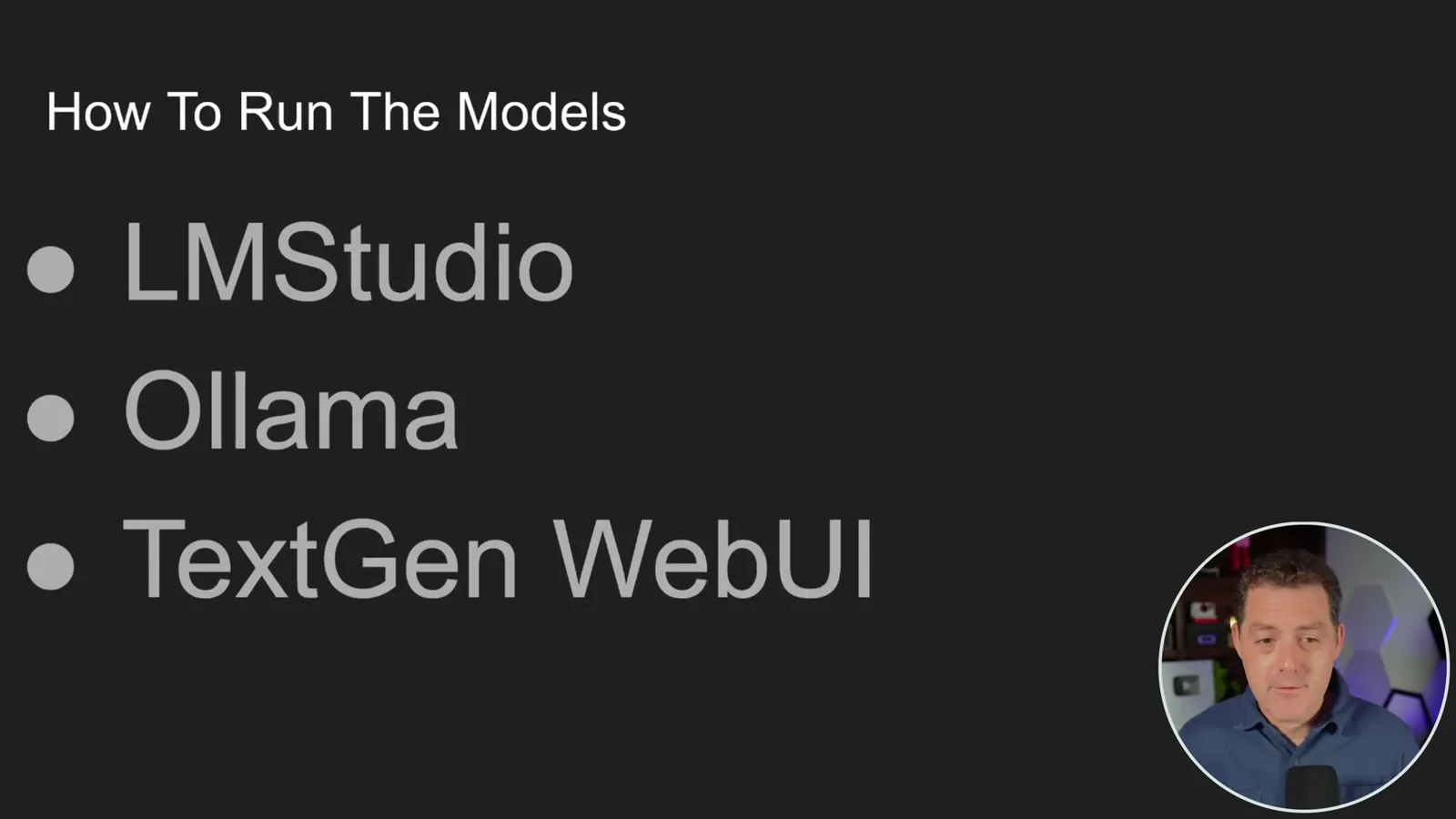
For running the model, Berman recommends LM Studio as an accessible graphical application with model downloads and a chat interface. He also names Ollama as a command-line-oriented option and text-generation-webui as another interface. These are the tools and versions he discusses in 2024.
Storing and protecting files
He compares storage media and suggests physical protection against fire, interference and moisture. The effectiveness of these options depends on their specifications and conditions.
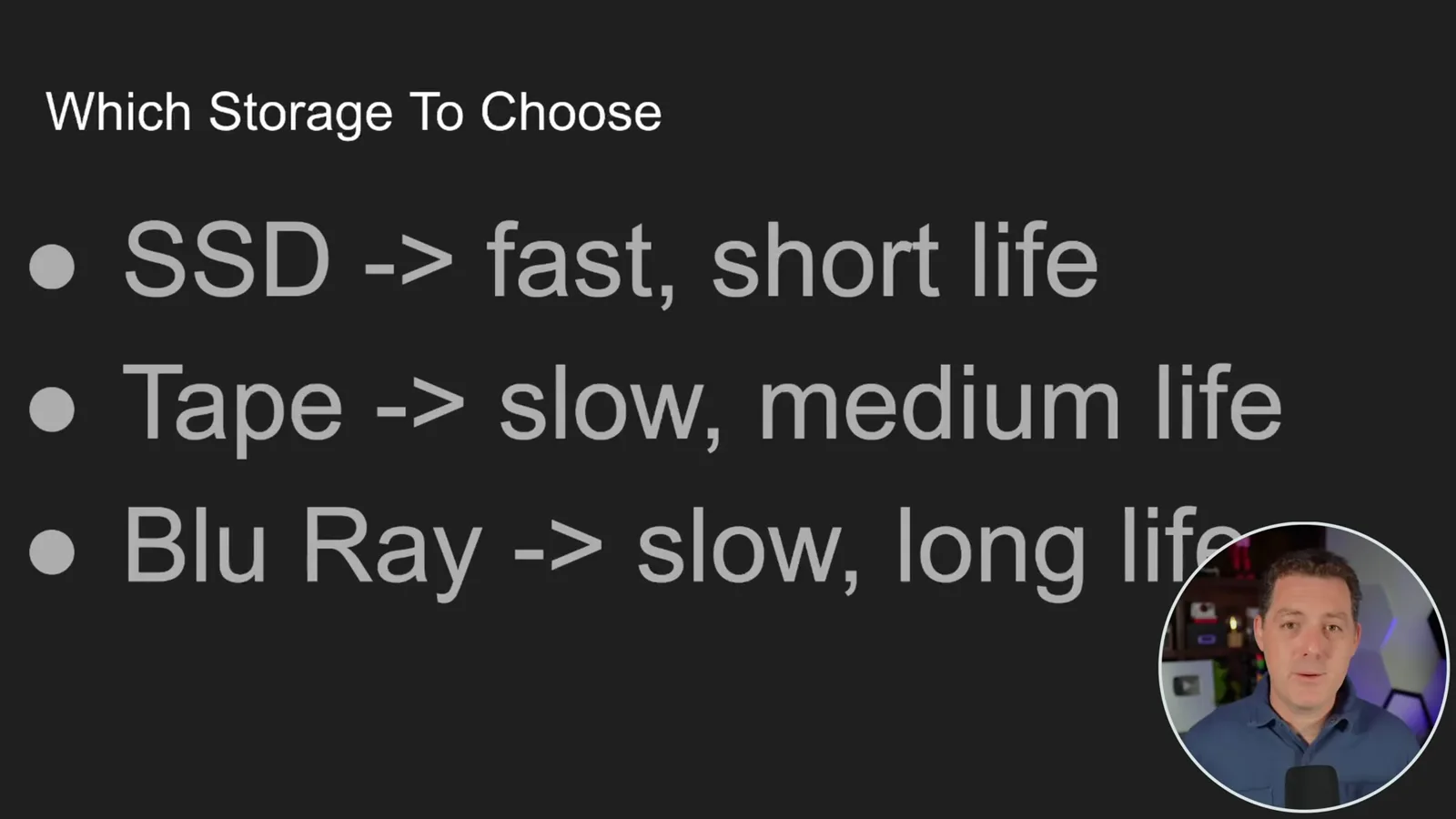
He recommends keeping both the software and model on the computer and on an external drive. He compares SSDs, magnetic tape and Blu-ray, describing SSDs as fast and optical storage as slower. His suggested lifetimes—about five years for an SSD, 10–15 for tape and 30–50 for Blu-ray—are rough claims, not guarantees; actual retention depends on media, handling and storage conditions.
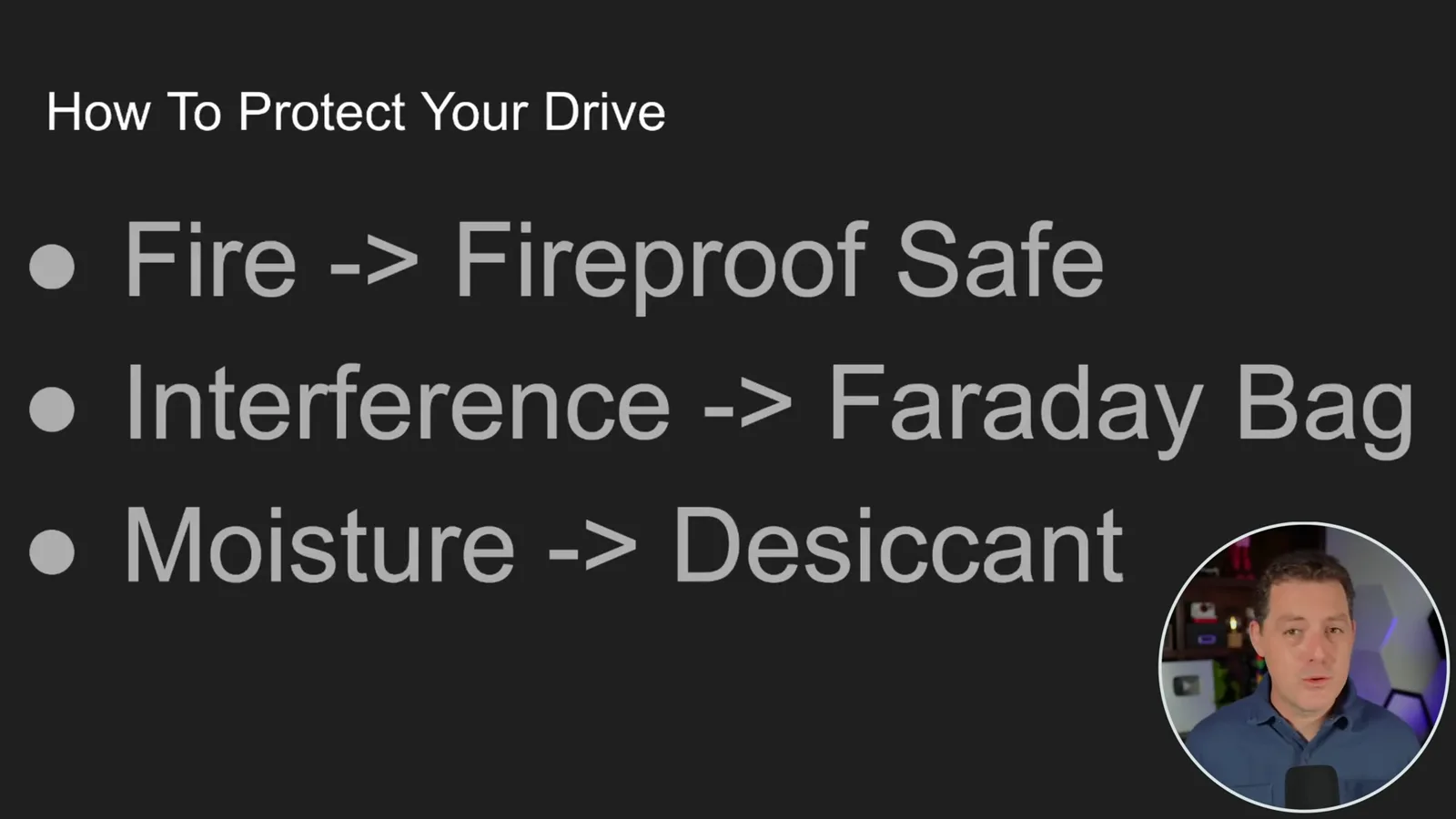
For physical protection, he discusses a fire-resistant safe, a Faraday bag and desiccant. He says his safe is rated for a limited fire exposure and suggests a bag to reduce signal interference. Protection depends on the product's rating, the threat and how it is used; a bag or safe should not be assumed to protect against every signal, fire or other hazard.
LM Studio demonstration
He installs the application, searches for a quantized model, sets an external model folder and tests local inference.
He adds desiccant to reduce moisture, then demonstrates LM Studio. At the time he downloads the version for his operating system, places the Mac application on an external drive and opens it. The interface he shows supports model search, downloads and local chat; the exact layout may differ in other versions.
In the model search he chooses Dolphin 2.7 Mixtral 8x7B, a fine-tune by Eric Hartford, and points to LM Studio's compatibility estimate. He selects a Q5_K_M quantized file of roughly 32 GB. The on-screen 'should work' indicator is a heuristic, so the practical test is to load and run the chosen model on the actual machine.
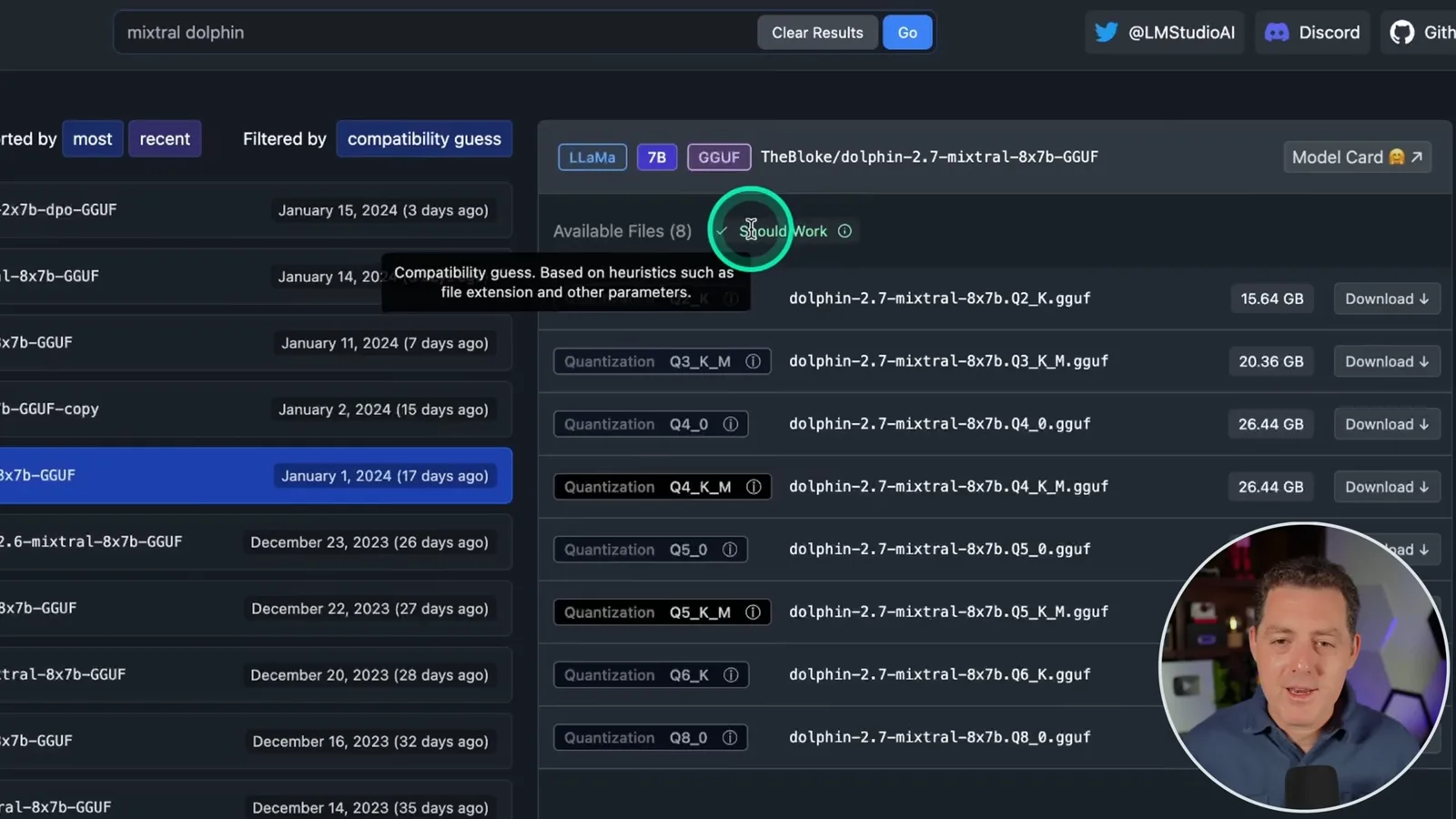
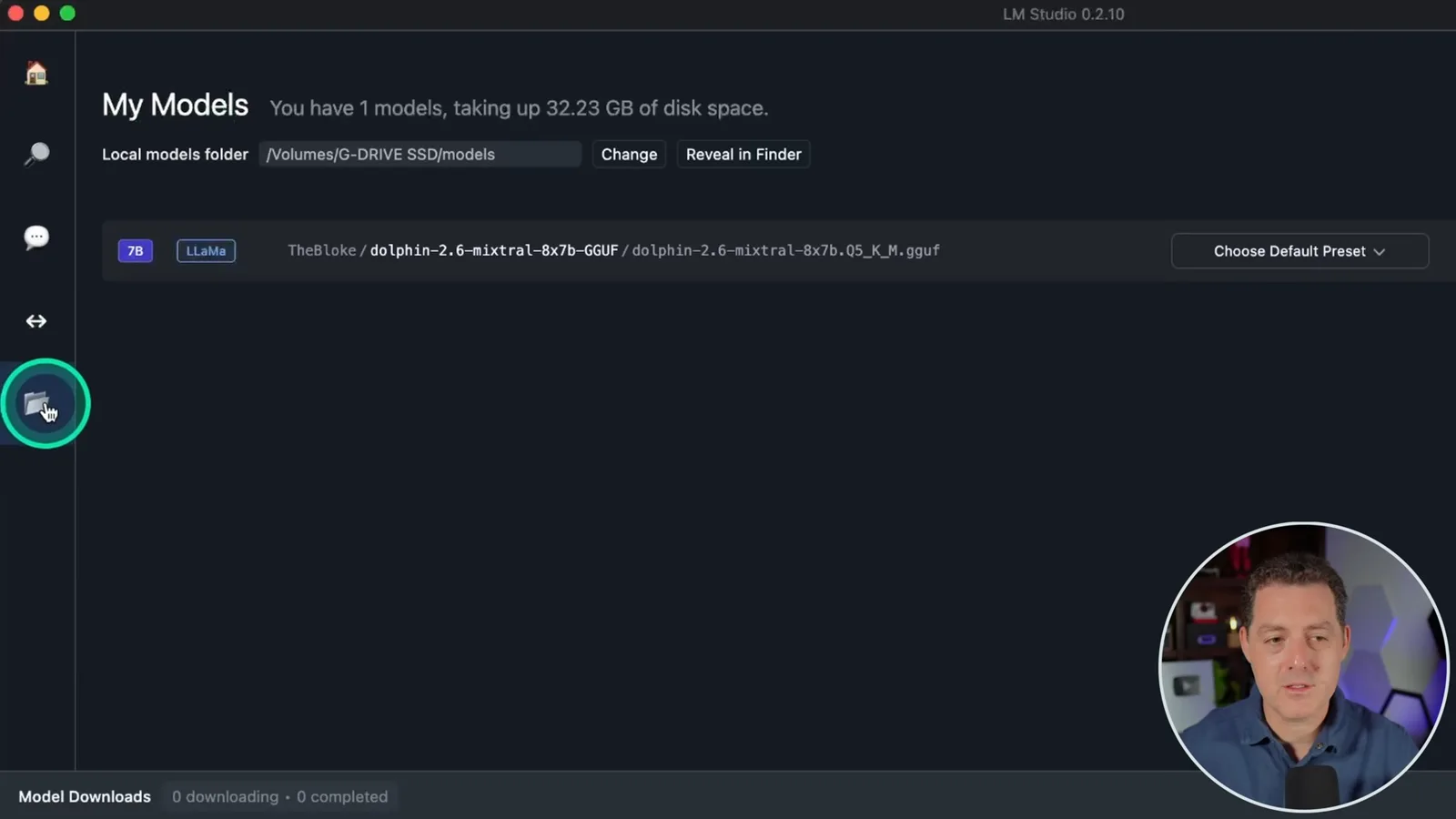
After downloading, he checks the local models folder in LM Studio and changes it to the external drive if necessary. He then opens the chat tab, enables Apple Metal on his Mac and loads a model for a test. The model shown in the chat is a Laser Dolphin Mixtral variant; this demonstrates loading a local file, not a comparison of the two variants.
His test asks how to build a fire with sticks, and the model produces a list of steps. Berman notes that having a written answer is different from having the skill to carry it out. A plausible-looking response is also not proof that the instructions are complete or correct.
Power and maintenance
He considers battery, solar and generator options. He closes with model updates, software updates and battery health.
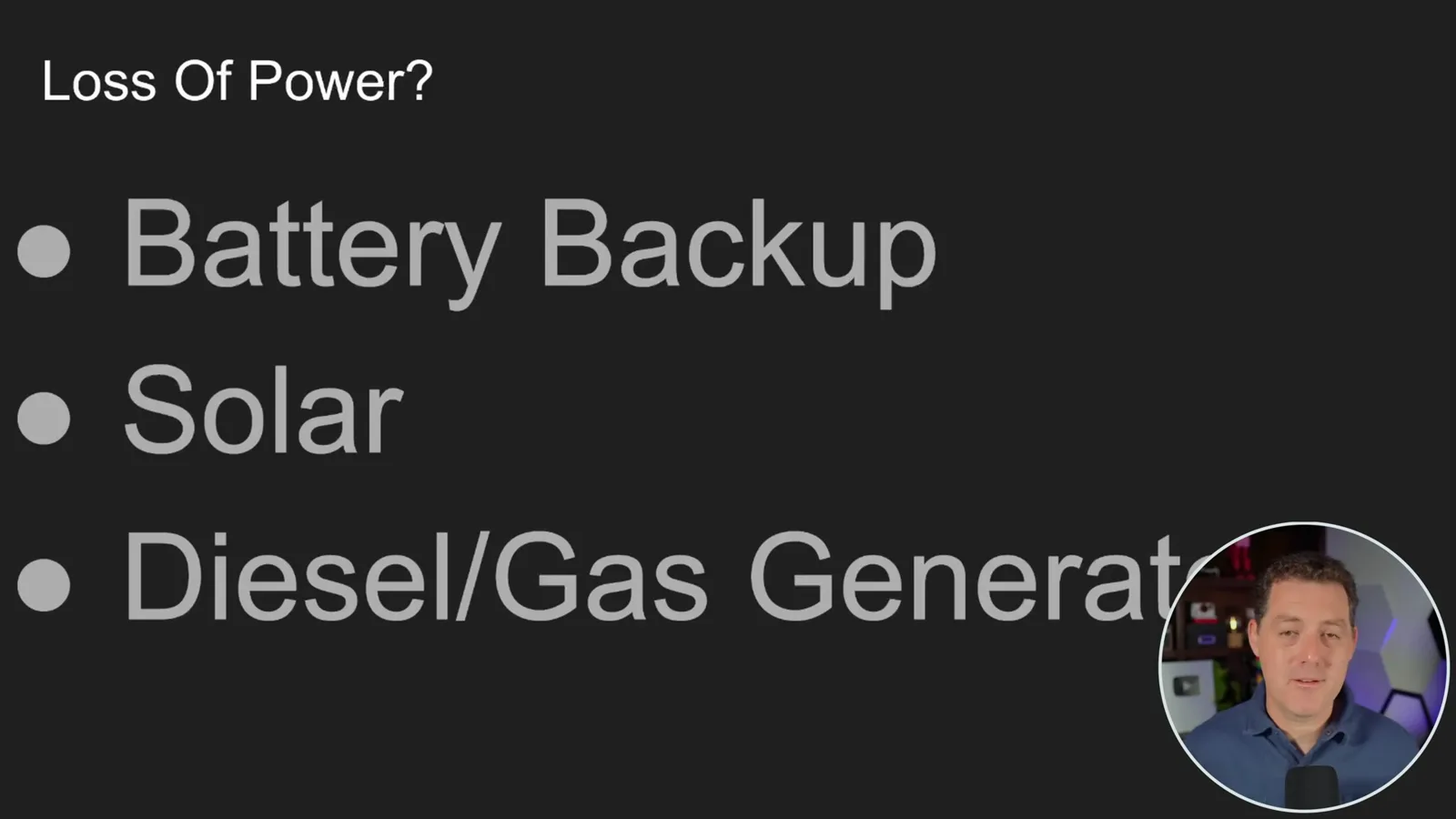
For loss of power, he considers a battery backup, rooftop solar or a fuel-powered generator. As an example, he describes a 1,200 Wh portable battery he estimates cost $600–$700 at the time, while noting that a smaller battery may suffice. Actual runtime depends on the computer's power draw and usable capacity.
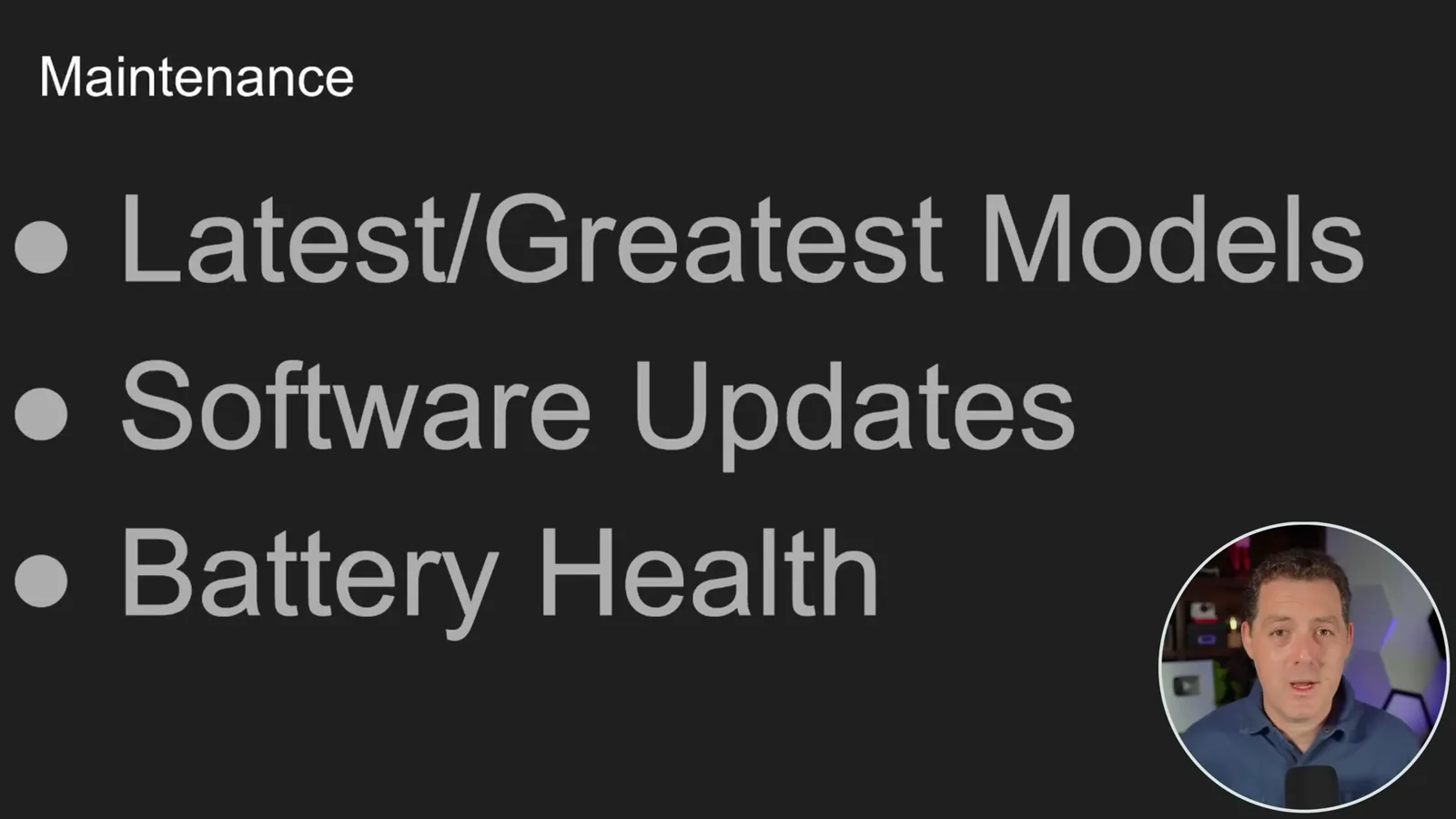
Maintenance is part of the plan: Berman suggests periodically downloading newer models, updating the software and checking battery health. He notes the tension between keeping a battery ready and the wear associated with leaving it fully charged. His final claim that a tiny drive stores all human knowledge should be read as enthusiasm for the idea, not a literal description of what a model preserves.
같은 채널의 다른 글
 34:21EN
 Matthew Berman· 2026년 10월 27일Matthew Berman Examines Anthropic’s IPO Filing, AI Growth and GovernanceMatthew Berman, Sam Altman · Forward FutureThe presenter reviews the S-1’s financial metrics, compute strategy and voting structure while questioning the tension between rapid AI development and safety.
 0:36ENMatthew Berman· 2026년 10월 25일Kimi K3.1 and a Rubik’s Cube Solver DemonstrationMatthew Berman · Forward FutureMatthew Berman shows a scrambled virtual cube being solved and gives the Kimi K3.1 test a favorable assessment.
 25:50ENMatthew Berman· 2026년 10월 24일Kimi K3.1 Pro Tested: Strong 3D Demos, Uneven Results and Competitive PricingMatthew Berman · Forward FutureMatthew Berman tests the open-weight model on coding, 3D rendering and visual explanations, then compares benchmark results and prices.
 32:20ENMatthew Berman· 2026년 10월 23일Who Is Local AI For? The Costs, Trade-offs and a Hybrid FutureMatthew Berman · Forward FutureMatthew Berman weighs data control and independence against hardware cost, setup complexity and inference speed.
 1:03:37ENMatthew Berman· 2026년 10월 23일Matthew Berman’s Team Tests Kimi K3.1 on Animation, Games, and ChartsMatthew Berman, Alex, Brian · Forward FutureA live team AMA turns into an informal test of Kimi K3.1, from personal-agent workflows to motion graphics, a browser game, and a benchmark chart.
 0:53ENMatthew Berman· 2026년 10월 22일Sam Altman on AI and the Discovery of New KnowledgeSam Altman · OpenAIAltman expects progress in mathematical discovery to extend to biology, materials and energy.