30초 요약
Matthew Berman says he asked Codex to clone Excel with full feature parity and let it run for more than 12 days before stopping it. He demonstrates a spreadsheet interface, a simple formula and sorting; the short video does not establish complete Excel compatibility.
- 1A long-running goalBerman says the Codex task ran for more than 12 days before he stopped it manually.
- 2Inspecting ExcelHe says Codex opened the desktop application and examined its features while building a clone.
- 3Spreadsheet demonstrationBerman demonstrates cell editing and a simple formula, and says columns can be adjusted and highlighted.
- 4SortingHe selects ascending order to demonstrate sorting, then asks how long the task might otherwise have continued.
핵심 정리
- Berman says a brief Excel-cloning goal ran for more than 12 days before he manually stopped it.
- He says Codex inspected features in the Excel desktop app while building its version.
- The demonstration shows a simple arithmetic formula and an ascending sort, but does not establish full feature parity.
챕터별로 다듬은 전문 읽기
The prompt and the run
Berman gives Codex a goal of cloning Excel with full feature parity. He says the run continued for more than 12 days before he stopped it.
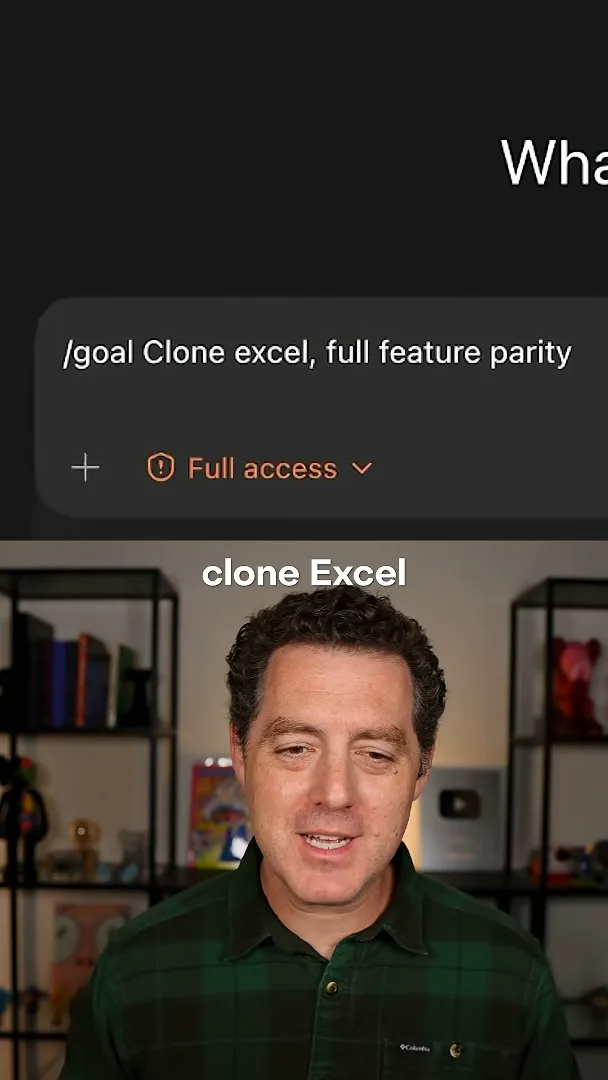
I gave Codex a short goal: `/goal Clone excel, full feature parity`. It ran for more than 12 days before I manually stopped it. I was impressed by the result.
Codex opened Excel on my computer, looked at features in the real desktop app and built its own version, I say. The resulting spreadsheet looks like Excel to me.
The resulting spreadsheet
He shows the interface and demonstrates a simple formula and sorting. His broad claims about completeness go beyond the examples shown.
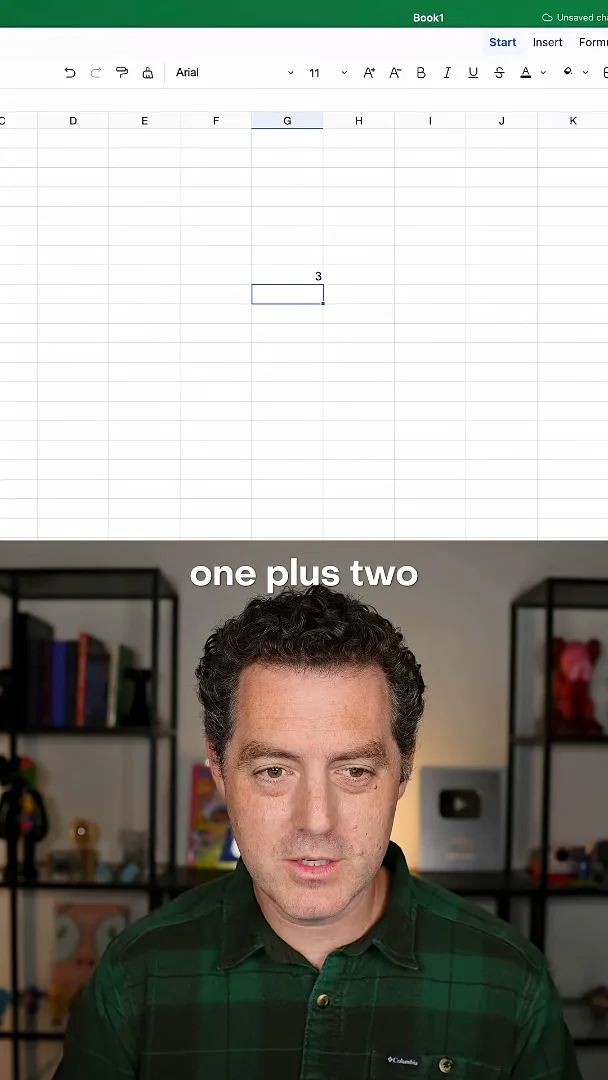
I demonstrate adjustable columns and cell selection, then enter `=1+2` and show the result, 3. I describe the formulas and formatting as working and call the result feature-complete. The brief demonstration shows only a few examples, so it does not establish that all formulas and formatting work or that the clone matches every Excel feature.
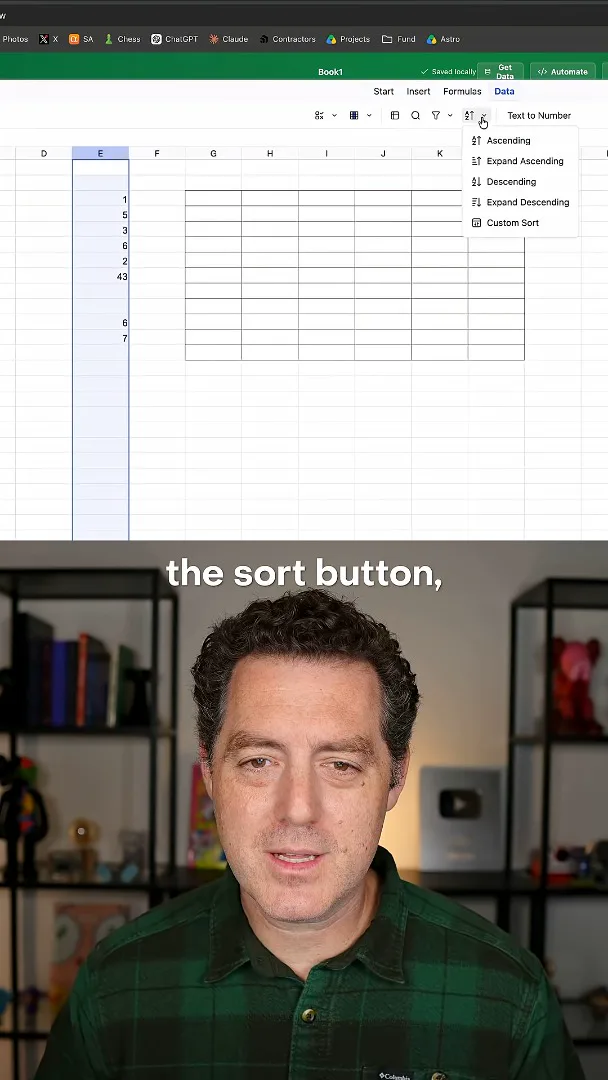
I select the sort button and choose ascending order, showing the values sorted. After stopping the run myself, I wonder how long it would have continued otherwise.
같은 채널의 다른 글
 34:21EN
 Matthew Berman· 2026년 10월 27일Matthew Berman Examines Anthropic’s IPO Filing, AI Growth and GovernanceMatthew Berman, Sam Altman · Forward FutureThe presenter reviews the S-1’s financial metrics, compute strategy and voting structure while questioning the tension between rapid AI development and safety.
 25:50ENMatthew Berman· 2026년 10월 24일Kimi K3.1 Pro Tested: Strong 3D Demos, Uneven Results and Competitive PricingMatthew Berman · Forward FutureMatthew Berman tests the open-weight model on coding, 3D rendering and visual explanations, then compares benchmark results and prices.
 32:20ENMatthew Berman· 2026년 10월 23일Who Is Local AI For? The Costs, Trade-offs and a Hybrid FutureMatthew Berman · Forward FutureMatthew Berman weighs data control and independence against hardware cost, setup complexity and inference speed.
 1:03:37ENMatthew Berman· 2026년 10월 23일Matthew Berman’s Team Tests Kimi K3.1 on Animation, Games, and ChartsMatthew Berman, Alex, Brian · Forward FutureA live team AMA turns into an informal test of Kimi K3.1, from personal-agent workflows to motion graphics, a browser game, and a benchmark chart.
 0:53ENMatthew Berman· 2026년 10월 22일Sam Altman on AI and the Discovery of New KnowledgeSam Altman · OpenAIAltman expects progress in mathematical discovery to extend to biology, materials and energy.
 0:22ENMatthew Berman· 2026년 10월 21일A Robot Bodyguard Video Shows Dramatic Rescue ScenariosMatthew Berman · Forward FutureMatthew Berman reacts to a short robot demonstration depicting fighting and vehicle-rescue scenarios.