30초 요약
Grok Bot team members Peng Zheng and Lauren Tan show Peter Yang how they use specialized bots to coordinate personal and professional work. Their examples include a group design discussion, a website publishing pipeline, travel planning with human approval, and engineering agents backed by evaluation workflows. They recommend building trust through observation and gradual automation. The episode is sponsored by Granola, with Riverside also listed as a sponsor.
- 1Chain related stepsPeng combines research, a marketplace listing and follow-up pricing, while a chief-of-staff bot routes work.
- 2Give persistent bots distinct rolesProduct, design and engineering bots can discuss one project while retaining their own reusable context.
- 3Keep human design directionPeng starts with a system and a key frame, then asks a bot to extend the flow using design-system guidance.
- 4Audit the bot fleetLauren’s Dr. Eggbot suggests improvements to roles and routines; overly frequent scheduled runs can increase usage.
- 5Keep meaningful approval pointsLauren’s travel assistant prepared options, but she approved the bookings before they were made.
- 6Build trust graduallyObserve a workflow, correct it, capture what works as a skill and only then consider a recurring routine.
핵심 정리
- Start with a chief-of-staff bot to route tasks, then add specialist roles where reusable context helps.
- Group chats can bring product, design and engineering perspectives together on a project.
- Design systems and a human-created key frame can guide an agent as it expands a flow.
- Monitor scheduled routines and usage; Lauren’s bot audits other bots for improvements.
- For travel, Lauren reviewed and approved proposals before her assistant booked them.
- Observe and correct a workflow, turn the reliable parts into a skill, and gradually increase autonomy.
챕터별로 다듬은 전문 읽기
The bots behind Grok Bot
Peng and Lauren introduce their personal and work setups.
Grok Bot team members Peng Zheng and Lauren Tan show Peter Yang the bots they use for personal tasks, design and engineering. Their examples range from a chief of staff and a design assistant to a bot that audits other bots. Granola sponsors the episode; Riverside is also listed as a sponsor.
Peng organizes bots around work and life and uses a chief of staff when unsure where a task belongs. One example combines ordering 3D-printing filament with updating a Notion inventory. Another combines researching a used microphone’s price, drafting a marketplace listing and scheduling price reductions.
For email and calendar work, Peng asks bots to identify action items or manage events. When an account needs authentication, the bot can request that he sign in. His writer bot polishes messages, with a draft available for him to review and send; his designer bot helps generate and discuss alternatives.
Collaborating bots and creative pipelines
Group chats and a personal publishing workflow connect specialized roles.
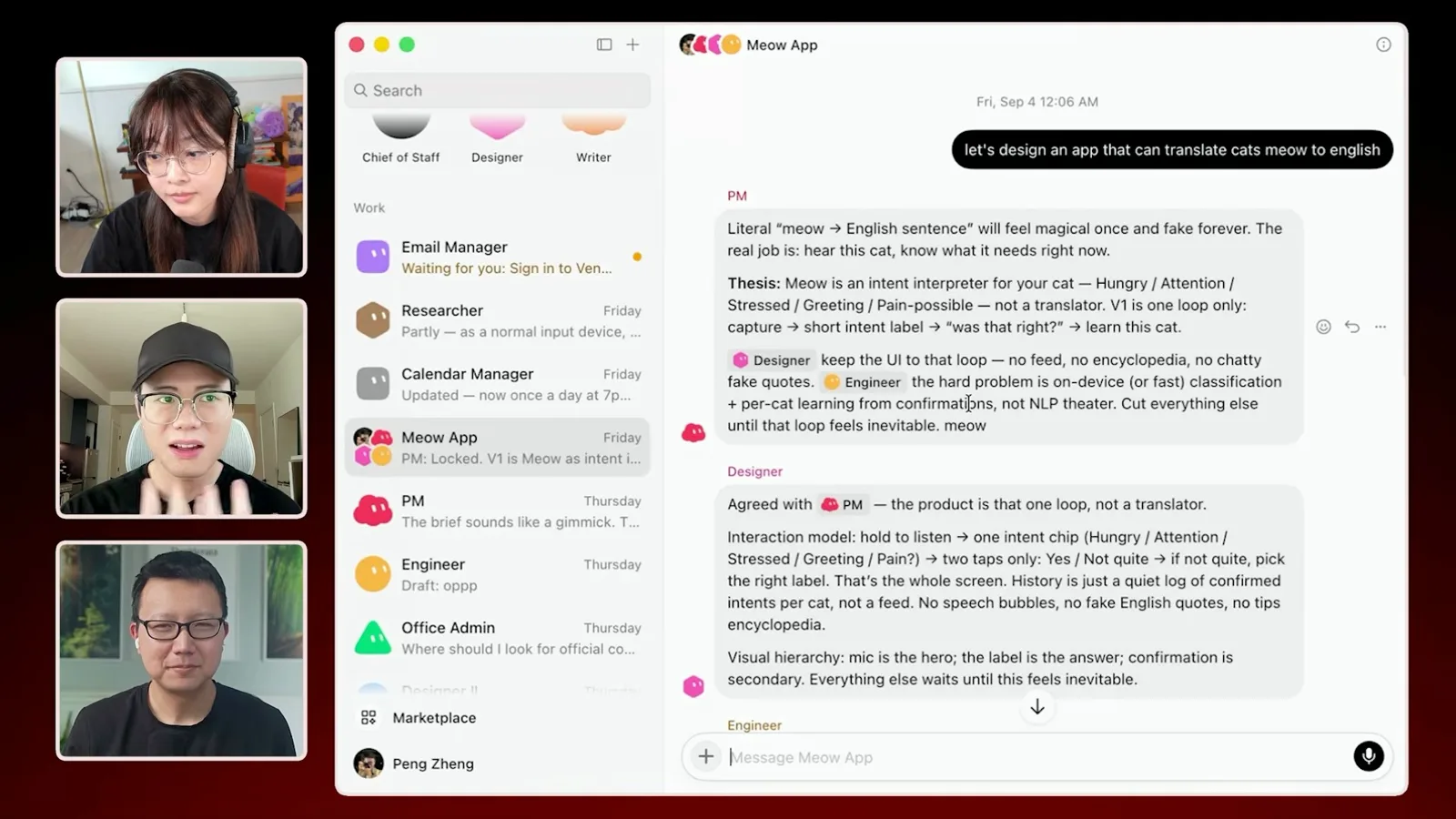
For a larger idea, Peng puts product, design and engineering bots in a group chat. He demonstrates a hypothetical cat-sound app: each bot contributes its perspective, and a specific bot can be addressed directly. The named bots retain reusable roles and memory while separate chats organize individual projects.
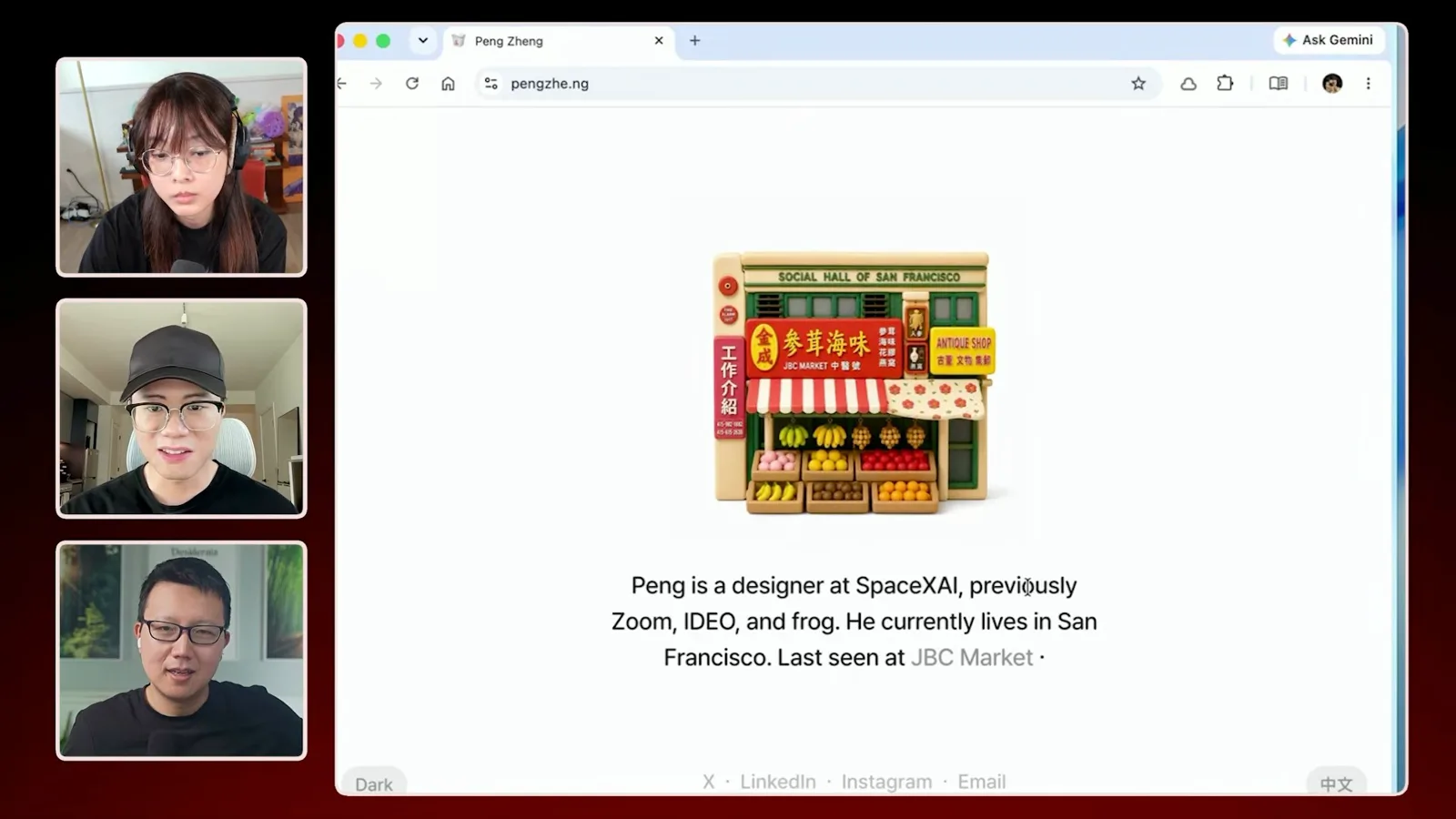
A podcast bot turns articles into audio for listening. In a personal website project, Peng sends a photo and information about a place; a workflow creates miniature-style imagery, removes backgrounds and updates the site. A private-repository playbook guides the steps, making the bot an interface to a publishing pipeline.
Design and engineering workflows
Peng extends design directions; Lauren shows verification and evaluations.
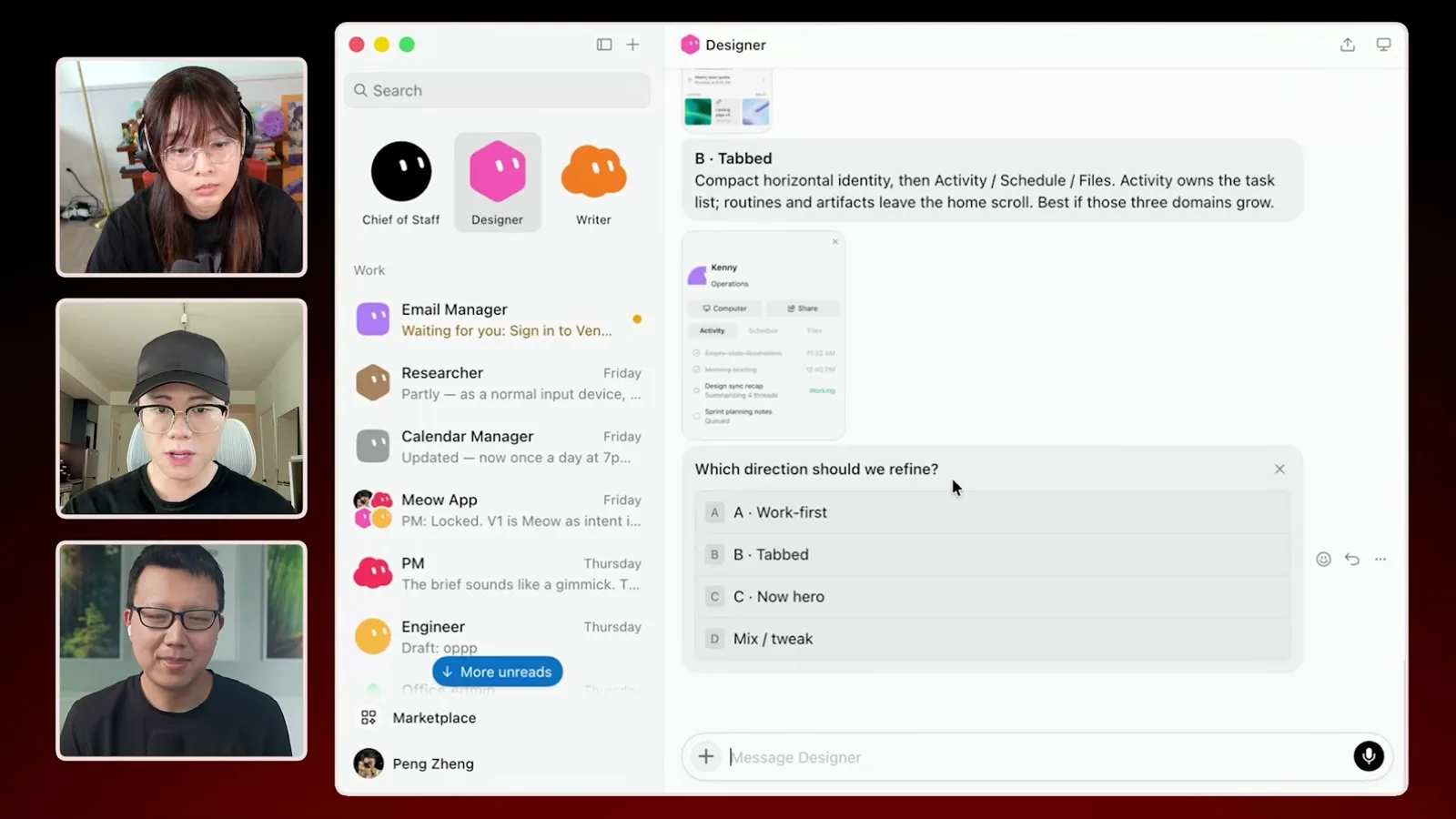
Peng still works across design tools and prototypes. His designer bot can use a Figma connector and a skill describing the design system. Sometimes he creates the system and one key frame himself, then asks the bot to extend that direction across the rest of a flow.
Lauren shows engineering workflows, including using an agent to interact with a Linux virtual machine on her computer while working on product support. She emphasizes giving agents a way to verify their work. Access to the local machine depends on the permissions granted.
For her plugin and skill stack, Lauren describes an evaluation playbook that runs tests with different agents or models before a change is accepted. Her goal is evidence that a skill change achieves the intended improvement, rather than relying on a persuasive response alone.
Auditing bots and booking travel
Dr. Eggbot monitors routines, while a personal assistant prepares a trip for approval.
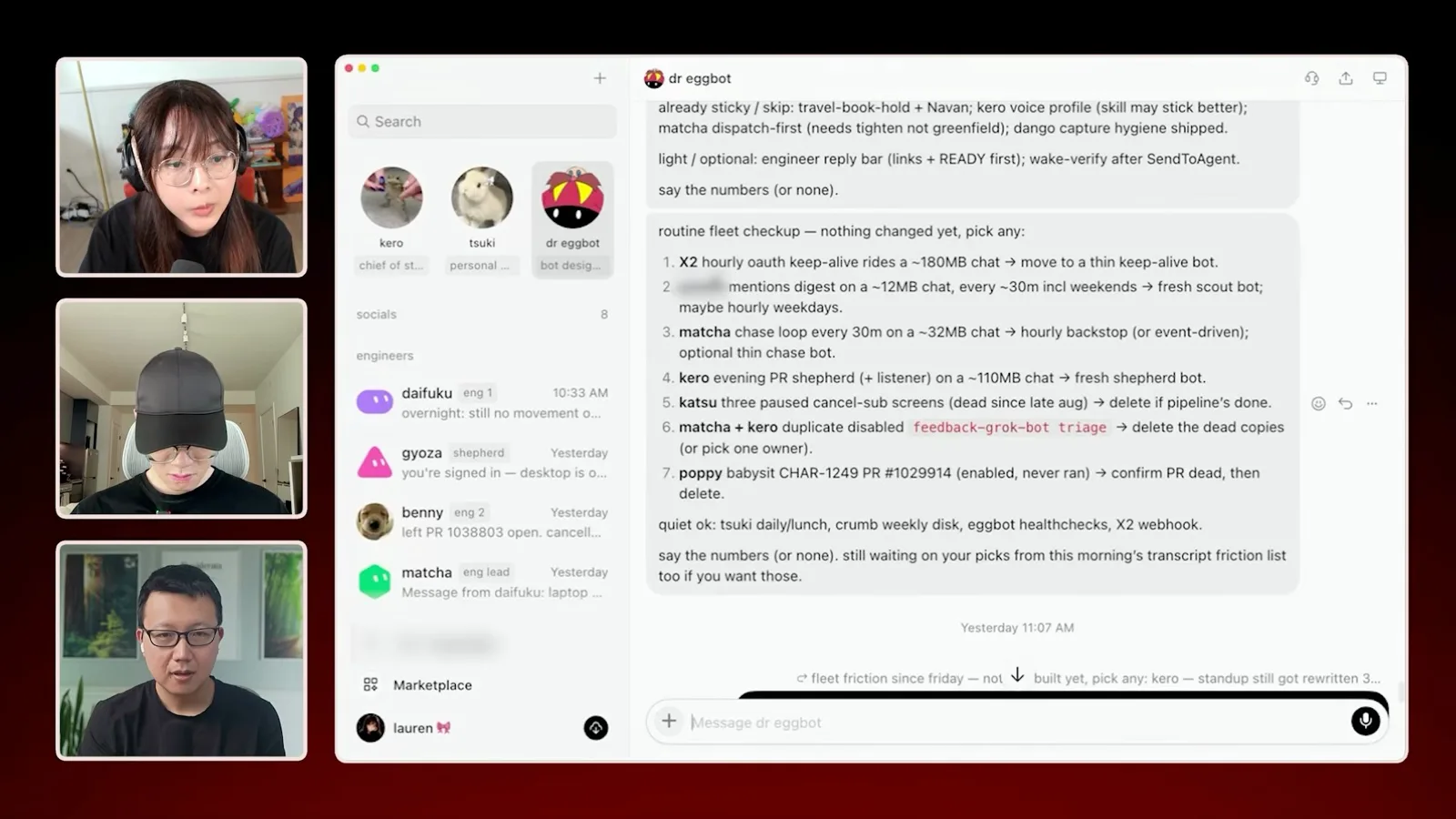
Her Dr. Eggbot creates and audits bots. It can inspect conversations and routines, propose role or skill changes, and flag schedules that wake agents too frequently. Lauren notes that frequent routines can consume substantial usage.
Lauren’s personal assistant Tsuki helped plan a complicated work trip, comparing flights and hotels. She says she asked it to check with her before booking and approved the proposals. She also describes reminders and routine personal purchases; these are examples of her own configured workflow.
Engineering agents at scale
Lauren describes delegated cloud agents, code review and reusable skills.
For engineering, a chief-of-staff bot talks to an engineering lead, which breaks down work and delegates to other bots. Those bots can start cloud agents and choose different models or reasoning levels for different tasks. Lauren uses this hierarchy to coordinate larger projects.
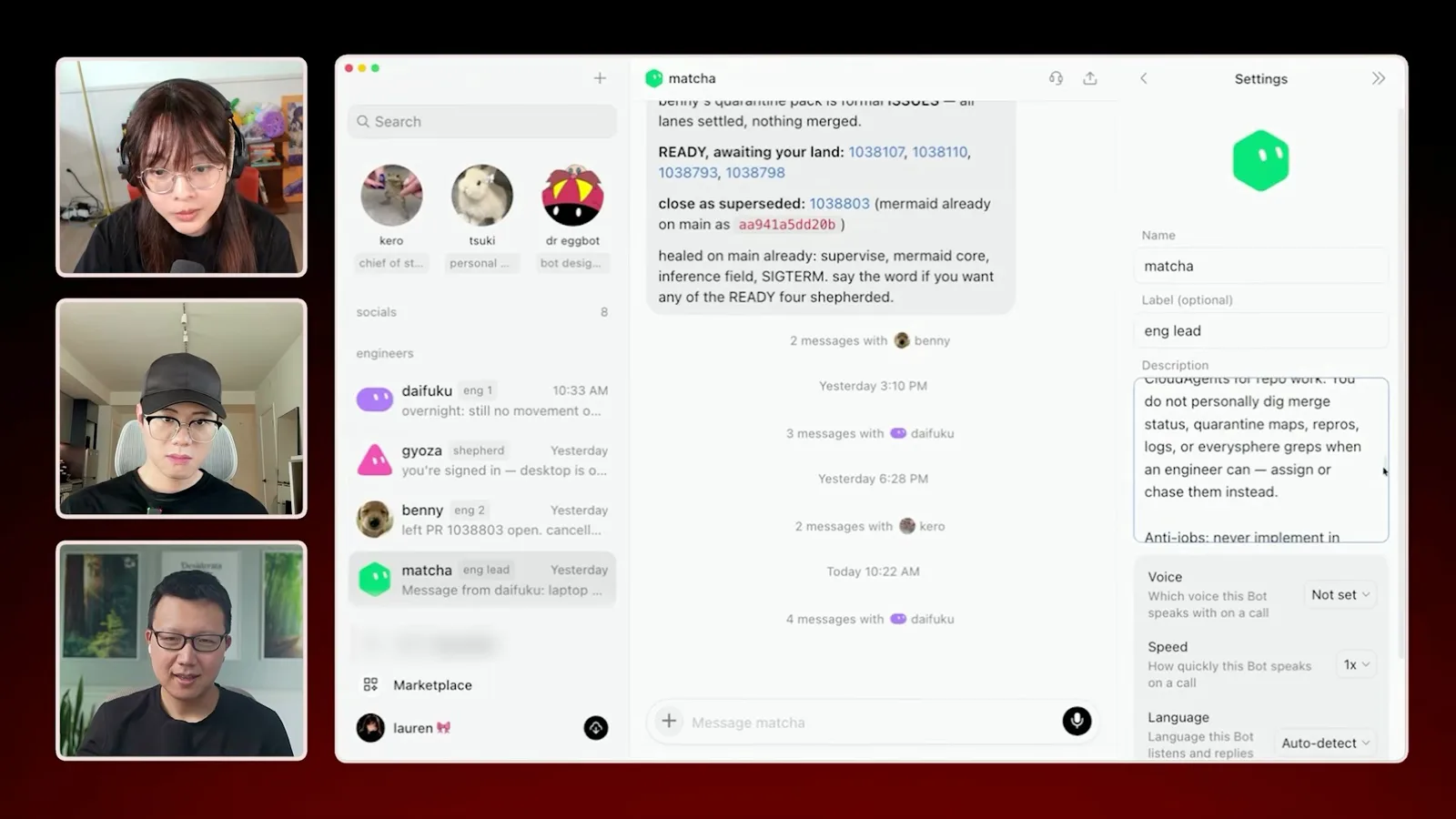
Lauren says that, in her particular agent-friendly codebase and workflow, some pull requests can merge before she personally reads them. She calls her quality-at-scale aspiration a “Michelin kitchen.” This is a description of her setup, not evidence that unattended merging is universally suitable.
The team also packages working practices into reusable skills, including individual “modes.” Lauren says plugins can combine skills with other tools and that some can be used across Grok Bot and Cursor. The goal is to let more people contribute effectively to the codebase.
A social bot checks mentions and groups recurring bug reports. Lauren can ask an engineering bot to consult it and propose a fix, passing context between roles rather than copying every detail herself. The value, she says, comes from connecting those separate workflows.
Building trust over time
The guests discuss guardrails, feedback and progressively automating repeatable work.
Peng describes the product idea as moving from manually doing tasks to delegating them and eventually designing systems and guardrails. Named agents with their own roles are intended to make that interaction more intuitive; the conversation discusses collaboration as a direction, not a detailed product commitment.
Asked how to trust a bot with longer tasks, Lauren recommends observing it, correcting mistakes and turning the improved process into a reusable skill. Once a workflow works consistently, she may automate it as a routine. Peng similarly suggests starting small, testing boundaries, monitoring usage and gradually connecting more tools.
같은 채널의 다른 글
 46:40EN
 Peter Yang· 2026년 11월 8일팟캐스트 · 2명Ashley Alexander: How AI Helps Me Care for My Parents With Cancer게스트 Ashley Alexander · 진행자 Peter YangA caregiver uses AI to prepare for appointments, organize records and ask better questions—while keeping doctors at the center of treatment.
 17:50ENPeter Yang· 2026년 11월 4일팟캐스트Peter Yang’s Five Steps for Using AI to Help Care for His MotherYang uses a shared care brief and organized records to navigate appointments, while making time for family.
 15:03ENPeter Yang· 2026년 11월 3일팟캐스트How Peter Yang Used an AI Phone Agent to Negotiate His Internet BillAn AI call negotiated a lower price and faster service, but Yang still had to approve the change himself.
 33:09ENPeter Yang· 2026년 11월 1일팟캐스트 · 2명Jaclyn Konzelmann: When AI Can Build More, Choose What Deserves to Exist게스트 Jaclyn Konzelmann · 진행자 Peter YangGoogle Labs pairs short strategy documents with prototypes, user co-creation and lessons from experiments that end.
 13:05ENPeter Yang· 2026년 10월 28일팟캐스트Peter Yang Tests Genie 4: Convincing Worlds, Unfinished GameplayFive live demonstrations show scenes that respond to prompts and sound, alongside inconsistent actions and limited game mechanics.
 1:06ENPeter Yang· 2026년 10월 26일팟캐스트Peter Yang on Setting Up Payroll for a One-Person BusinessIn a paid partnership, Yang describes the paperwork he encountered and a payroll product integrated with a business account.