30 秒でわかる
Riley Brown shows Peter Yang how he combines AI skills for research, motion graphics, diagrams and thumbnail concepts. He explains how he tests reusable workflows, why he prefers improving quality to simply batching content, and where sensitive work calls for closer review.
- 1Research a hook, then adapt itBrown studies effective video structures and applies them to his own topic rather than scripting every minute.
- 2Spend saved time on qualityHe uses faster research and claim-checking to improve individual videos, not just increase output.
- 3Speak first, edit diagrams laterA spoken brainstorm becomes a set of Excalidraw drafts that Brown says he spends time editing.
- 4Match scrutiny to riskBrown tests low-risk creative skills through their outcomes but describes closer review for sensitive or client work.
ポイント
- Turn useful repeated workflows into skills and combine them for new tasks.
- Use research to improve a video, while choosing topics that sustain genuine curiosity.
- Dictated ideas and AI-generated visuals can provide a draft, but Brown still edits and works with designers.
- Test creative skills against outcomes; review skills more carefully for client work, payments and sensitive documents.
- Separate the guest's product promotion and future predictions from demonstrated capabilities.
チャプターごとに整えた全文を読む
A creator's AI toolkit
Brown introduces his business and shows how skills work together for motion graphics and research.
Riley Brown creates AI education content across several platforms and also works on products and consulting. In this interview with Peter Yang, he demonstrates how he combines AI skills for research, visuals and content management. The episode includes a paid Google AI Studio sponsorship.
Brown says he uses agents for ideation, planning, hooks, thumbnails and research while still hiring video editors. His content is adapted for different platforms rather than relying entirely on clips. The follower figures he cites are his own snapshot from the time of the interview.
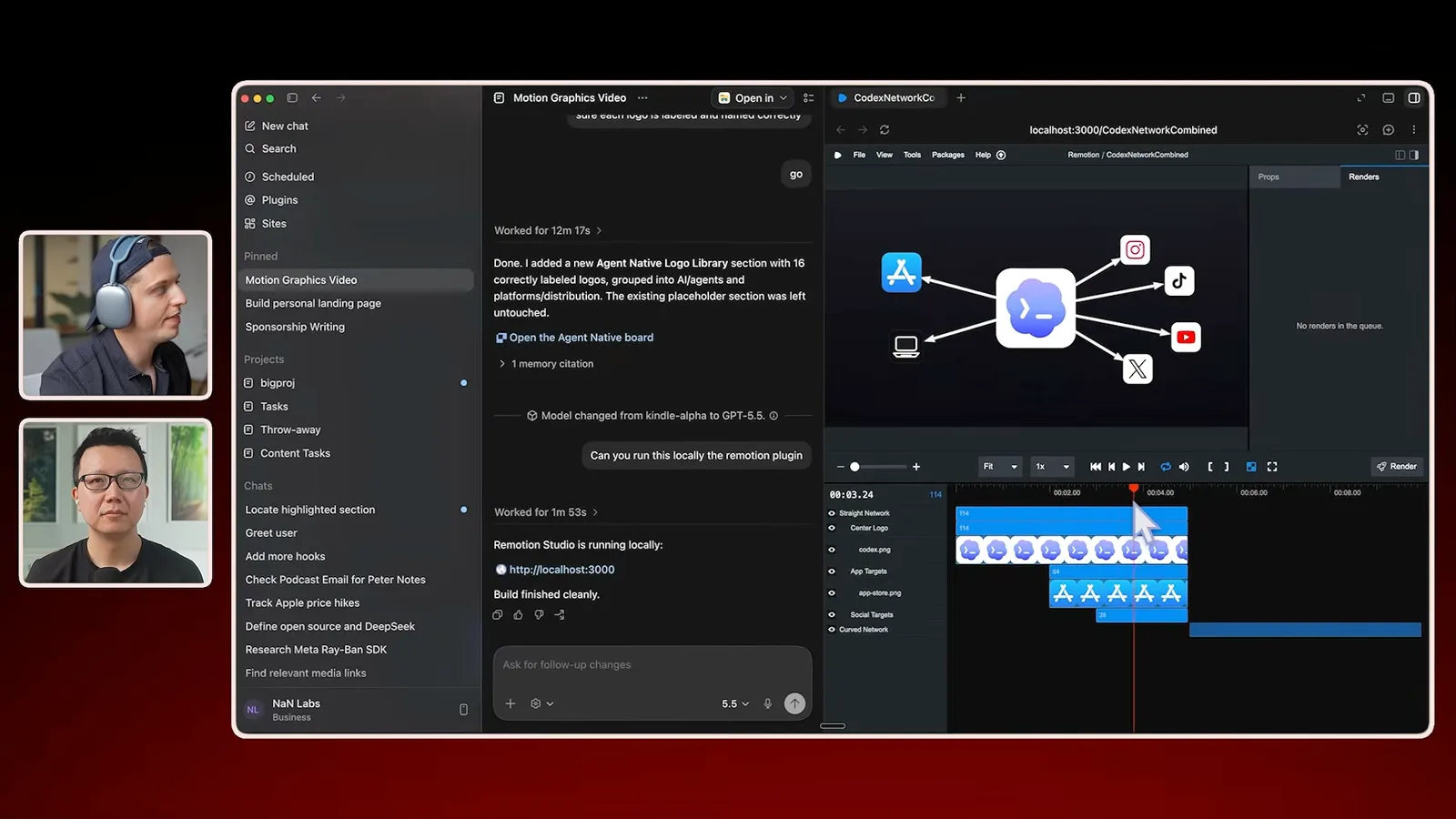
For motion graphics, he combines a Remotion workflow with a brand-specific skill. Another skill searches for relevant logos using an image-search API; he can combine the two in one request, or supply assets manually. The result is a graphic he can export into his video edit.
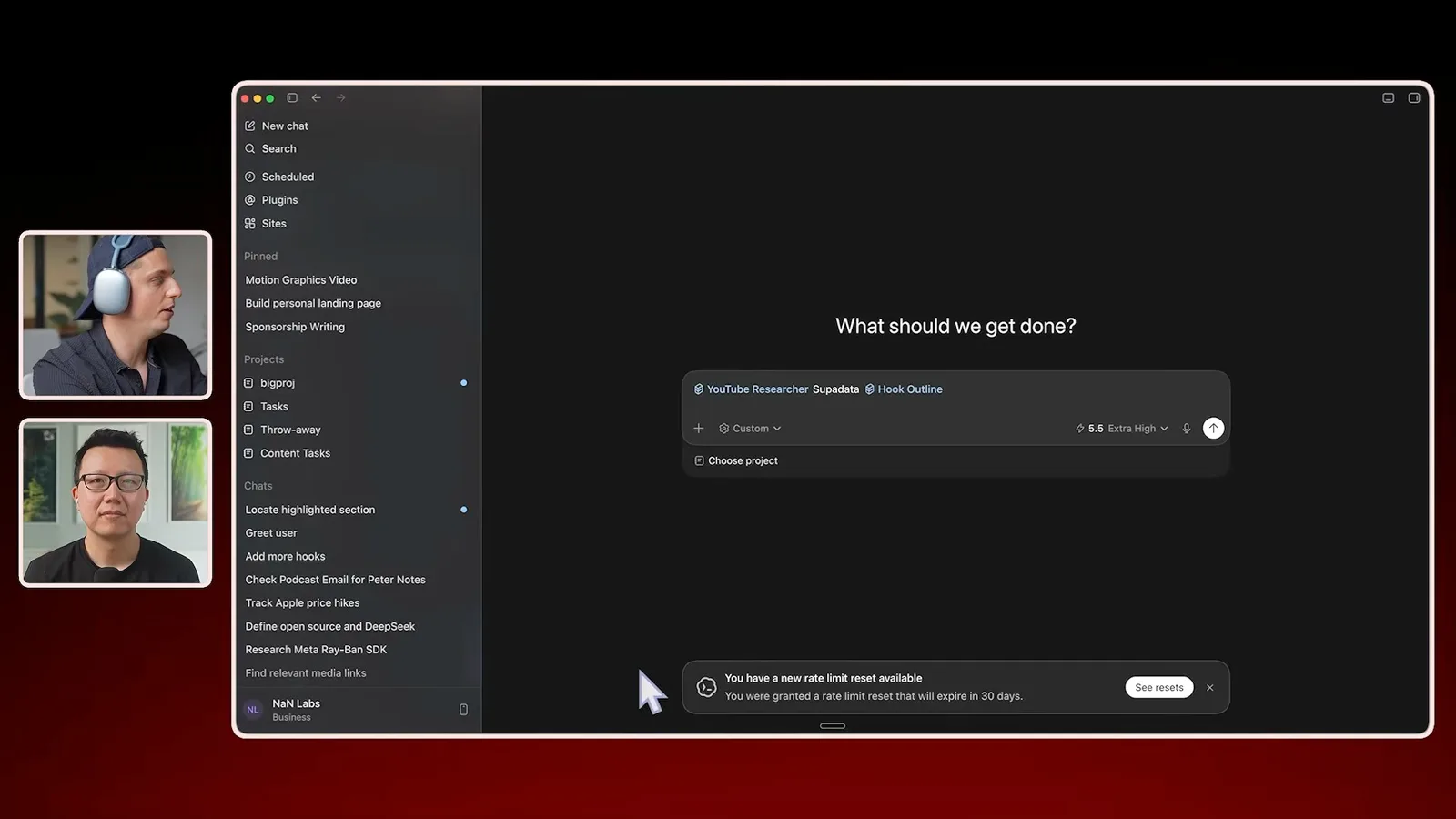
His YouTube research skill retrieves transcripts and examines videos. Brown likes to analyze an effective introduction and outline the rest, then apply the structure to his own ideas. He says he normally scripts the introduction and speaks more freely through the body, rather than reading an entire script.
Hooks, topics and reusable skills
He discusses video packaging, diagrams, social drafts and choosing subjects.
A useful hook, in Brown's view, sets expectations about what the viewer will learn. He offers a framework he calls BRENS: big, relatable, easy, new and safe. These are prompts for testing an introduction, not proof that any framing or promised outcome will work.
Brown begins with a subject he is curious about, outlines and records the video, and often writes the hook afterward so it reflects what he actually covered. He prefers choosing a topic for its intrinsic interest and then working on packaging, rather than letting potential views dictate every topic.
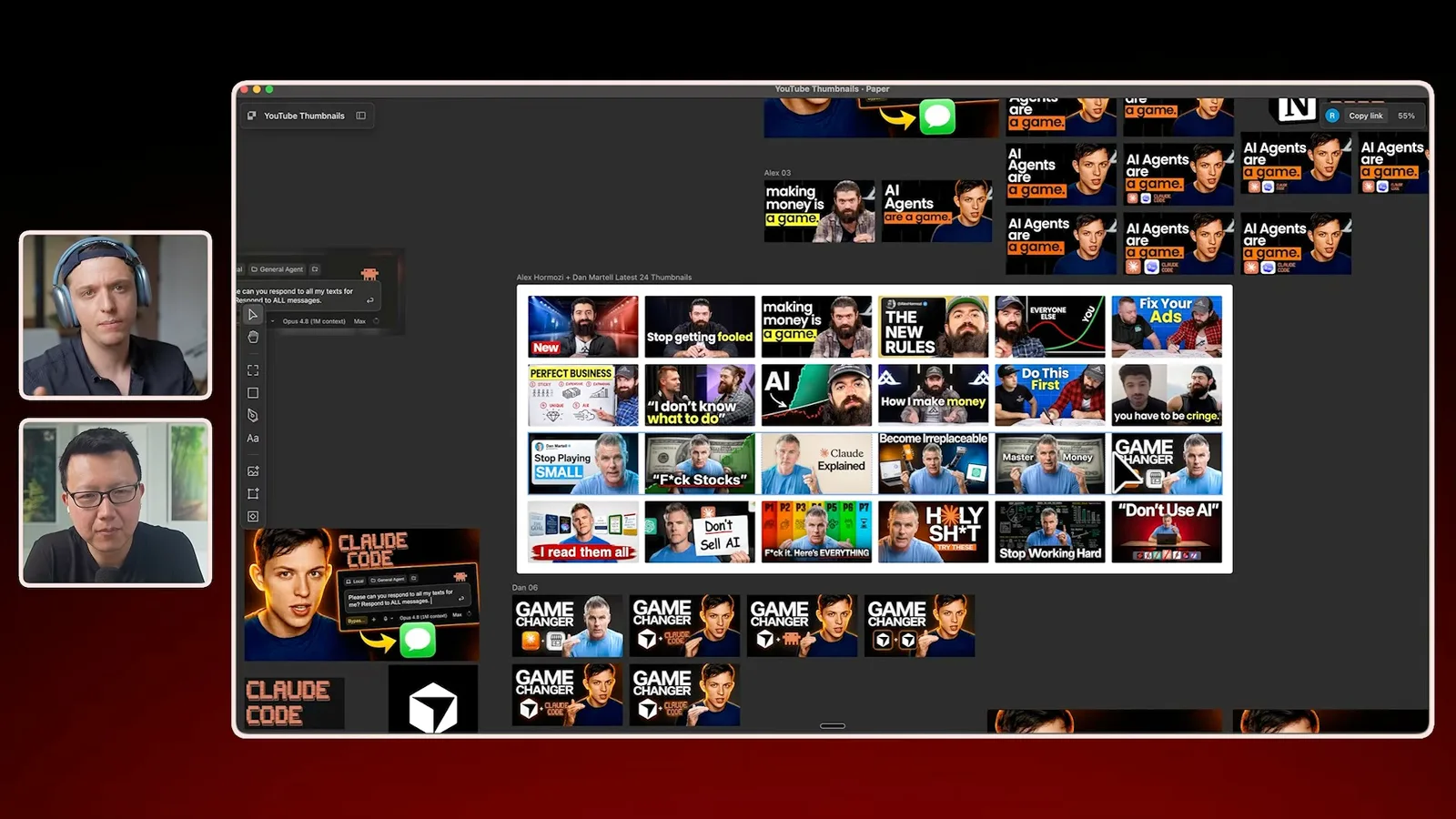
He also uses an Excalidraw skill to turn ideas into diagrams, and a thumbnail workflow that gathers examples from other creators. He describes adapting visual references and iterating with AI and a designer; the demonstration is his particular creative process, and reuse of others' images or designs can raise rights questions.
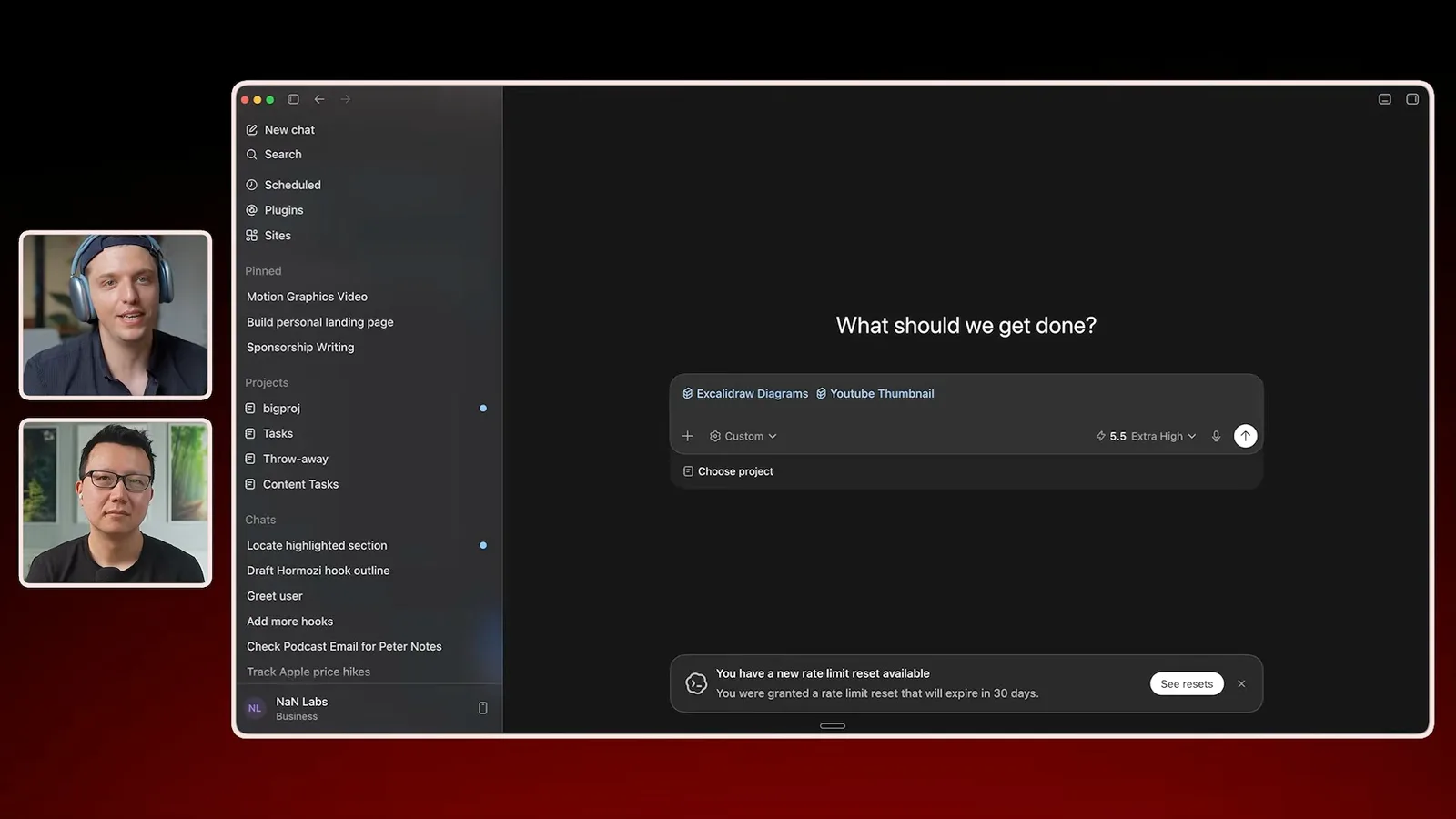
Brown says his skills grew from repeated work: when a useful workflow recurs, he asks the agent to turn it into a skill. He also uses a social drafting tool, then reviews his drafts on a regular schedule. Different skills can be combined as new needs appear.
Better videos and visual workflows
Brown demonstrates content management, dictated diagrams and thumbnail iteration.
In a demonstration, he asks Codex to add an idea to his Notion video database and create an outline. He argues that faster research should improve the quality of each video, including checking claims and studying pacing, rather than simply pushing a creator to batch more content.
For diagrams, Brown dictates ideas for about ten minutes with Wispr Flow and asks for a defined number of Excalidraw slides. He estimates that roughly 80% of the resulting diagrams are useful in his videos, followed by 20–30 minutes of editing. These are personal estimates, not a guaranteed level of quality.
For thumbnails, he shows a Paper board containing examples and his own images. He experiments with AI-generated variations and visual references, then says a human designer helps and runs A/B tests. He treats the generated image as a starting point that can be changed repeatedly.
Testing skills and running a business
He explains risk-based review, cloud agents, consulting and product work.
For low-risk creative skills, Brown tests an actual task, explains failures, asks AI to revise the skill and retests in a new conversation. He qualifies that approach: when client work, payments or sensitive documents are involved, his team examines the skill and may bring in another reviewer.
Brown also experiments with cloud agents for tasks that should run without his own computer staying on. Some are built with his product Chorus and post to a shared Slack channel. He describes coordination, browser access and shared context as ongoing challenges, and his predictions about future capabilities are not established facts.
Sponsorships and ads support his creator business, but Brown says consulting and building products keep him close to real implementation problems. He describes Chorus as an evolving product and services business. His broader advice is to turn repeated useful work into reusable workflows while protecting the curiosity and human judgment behind the content.
同じチャンネルの記事
 46:40EN
 Peter Yang· 2026年11月8日ポッドキャスト · 2 人Ashley Alexander: How AI Helps Me Care for My Parents With Cancerゲスト Ashley Alexander · ホスト Peter YangA caregiver uses AI to prepare for appointments, organize records and ask better questions—while keeping doctors at the center of treatment.
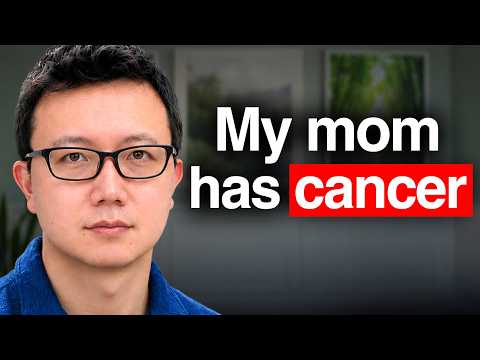 17:50ENPeter Yang· 2026年11月4日ポッドキャストPeter Yang’s Five Steps for Using AI to Help Care for His MotherYang uses a shared care brief and organized records to navigate appointments, while making time for family.
 15:03ENPeter Yang· 2026年11月3日ポッドキャストHow Peter Yang Used an AI Phone Agent to Negotiate His Internet BillAn AI call negotiated a lower price and faster service, but Yang still had to approve the change himself.
 33:09ENPeter Yang· 2026年11月1日ポッドキャスト · 2 人Jaclyn Konzelmann: When AI Can Build More, Choose What Deserves to Existゲスト Jaclyn Konzelmann · ホスト Peter YangGoogle Labs pairs short strategy documents with prototypes, user co-creation and lessons from experiments that end.
 13:05ENPeter Yang· 2026年10月28日ポッドキャストPeter Yang Tests Genie 4: Convincing Worlds, Unfinished GameplayFive live demonstrations show scenes that respond to prompts and sound, alongside inconsistent actions and limited game mechanics.
 1:06ENPeter Yang· 2026年10月26日ポッドキャストPeter Yang on Setting Up Payroll for a One-Person BusinessIn a paid partnership, Yang describes the paperwork he encountered and a payroll product integrated with a business account.