In 30 seconds
Berman reviews Sora’s initial release and demonstrates its editing concepts, including Remix, Recut, Storyboard, Loop and Blend. His own launch-day attempts include failures and a remix that changes less than he expected; the pricing and limits are historical.
- 1Remix and RecutExisting videos can be changed or extended.
- 2StoryboardTimeline cards guide actions across a scene.
- 3Mixed first testOne remix completed with limited visible change while other attempts failed.
Takeaways
- Sora’s initial interface combined video generation with editing features.
- Storyboard places descriptions at points on a timeline to guide actions.
- The demonstrated crane sometimes failed to catch the fish.
- Berman’s first generations failed and his strong remix was subtle.
- The plan limits described in the video are historical.
Read the edited text by chapter
The initial release
Berman introduces generation and editing features.
OpenAI has released Sora, its text-to-video product, and I explore the initial editing interface. This is a historical launch-day review: availability, limits and pricing described in the video may have changed.
I show examples including animals and a robot, then explain that the product also offers tools to modify generated video. Selected launch examples show possibilities, but they do not establish typical quality for every prompt.
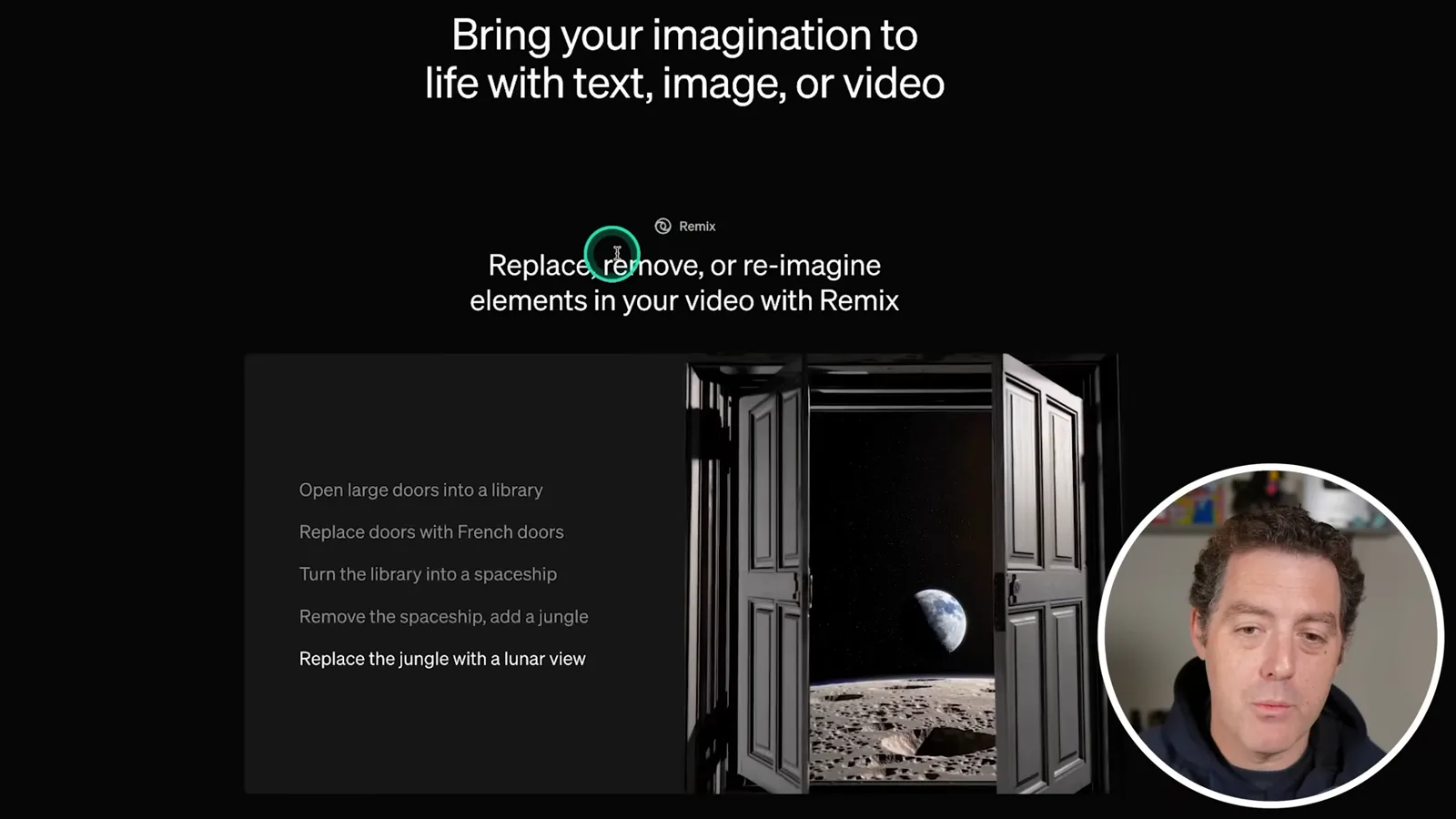
Remix changes elements of an existing video, such as replacing doors or changing the setting. Recut lets a creator isolate a portion and ask the model to extend the scene before or after it.
In a launch demonstration, a creator places a clip on a storyboard timeline, trims it and leaves empty space for the model to generate a new beginning or ending. Additional cards can supply more direction.
Storyboard and editing tools
The launch demonstration sequences actions and explores loops and blends.
Storyboard associates descriptions with points in a timeline. The demo describes a crane standing in a creek and then dipping its head to catch a fish; spacing between cards gives the model time to connect the actions.
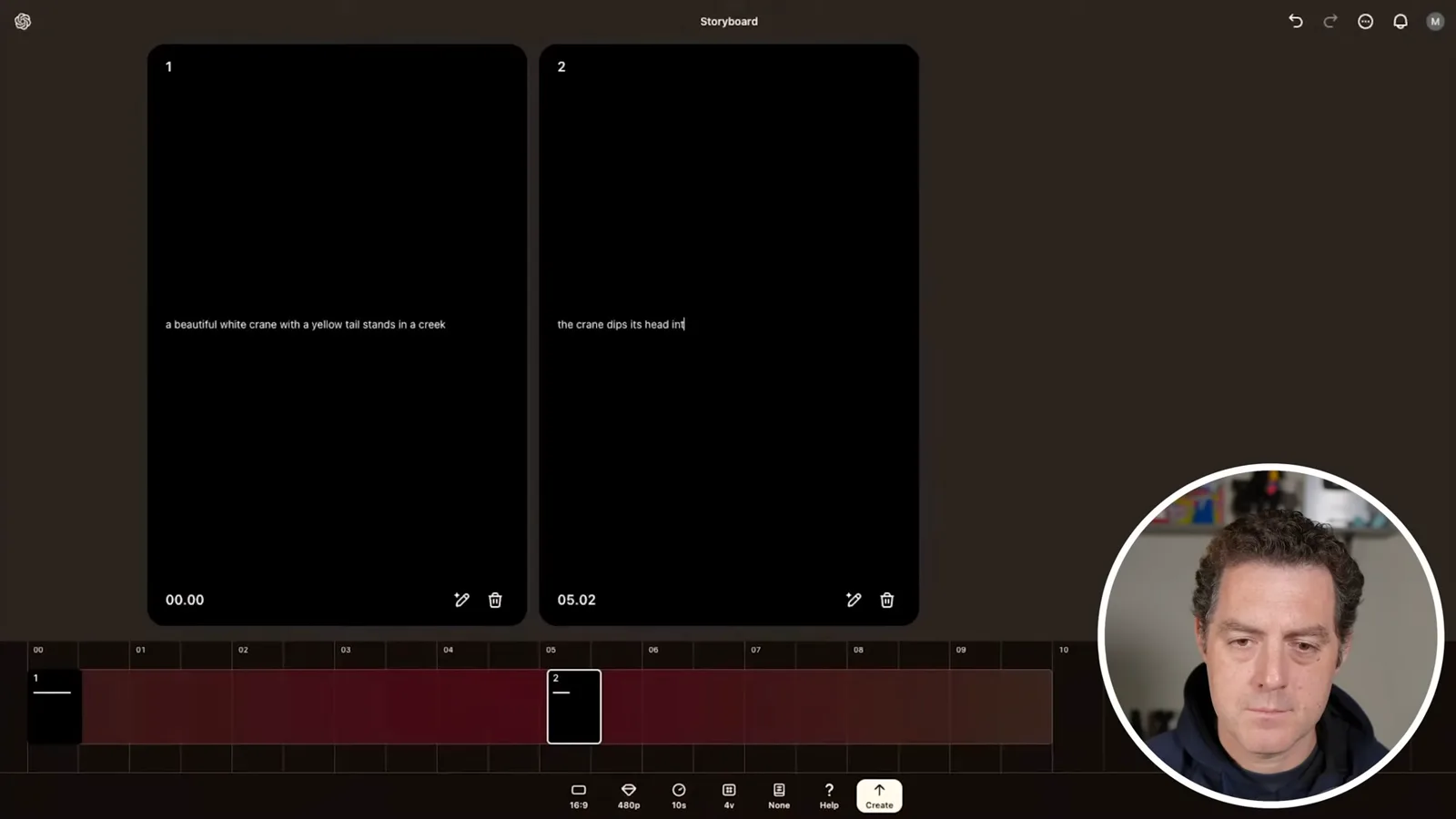
In the generated examples, the bird does not catch a fish in every version. The demonstration is a useful illustration of both timeline direction and imperfect adherence to the requested action.
Loop aims to join a video’s ending back to its beginning, while Blend combines concepts from two videos. Presets let creators save a style for reuse across future generations.
Plans and hands-on test
He describes historical plan limits and tests the interface.
I discuss the launch-day Plus and Pro tiers, resolution, duration and generation limits. Those were the terms described at release, not current plan guidance; readers should check the provider’s current information before deciding.
I try the interface shortly after launch. Sign-up is slow and my first generation fails. I set an astronaut-on-the-Moon prompt, aspect ratio, resolution and duration, and experiment with a two-card storyboard.
While waiting, I remix a public car video and ask for the cars to become Lego-like, selecting a strong remix. This illustrates how an existing generation can become the source for a new one.
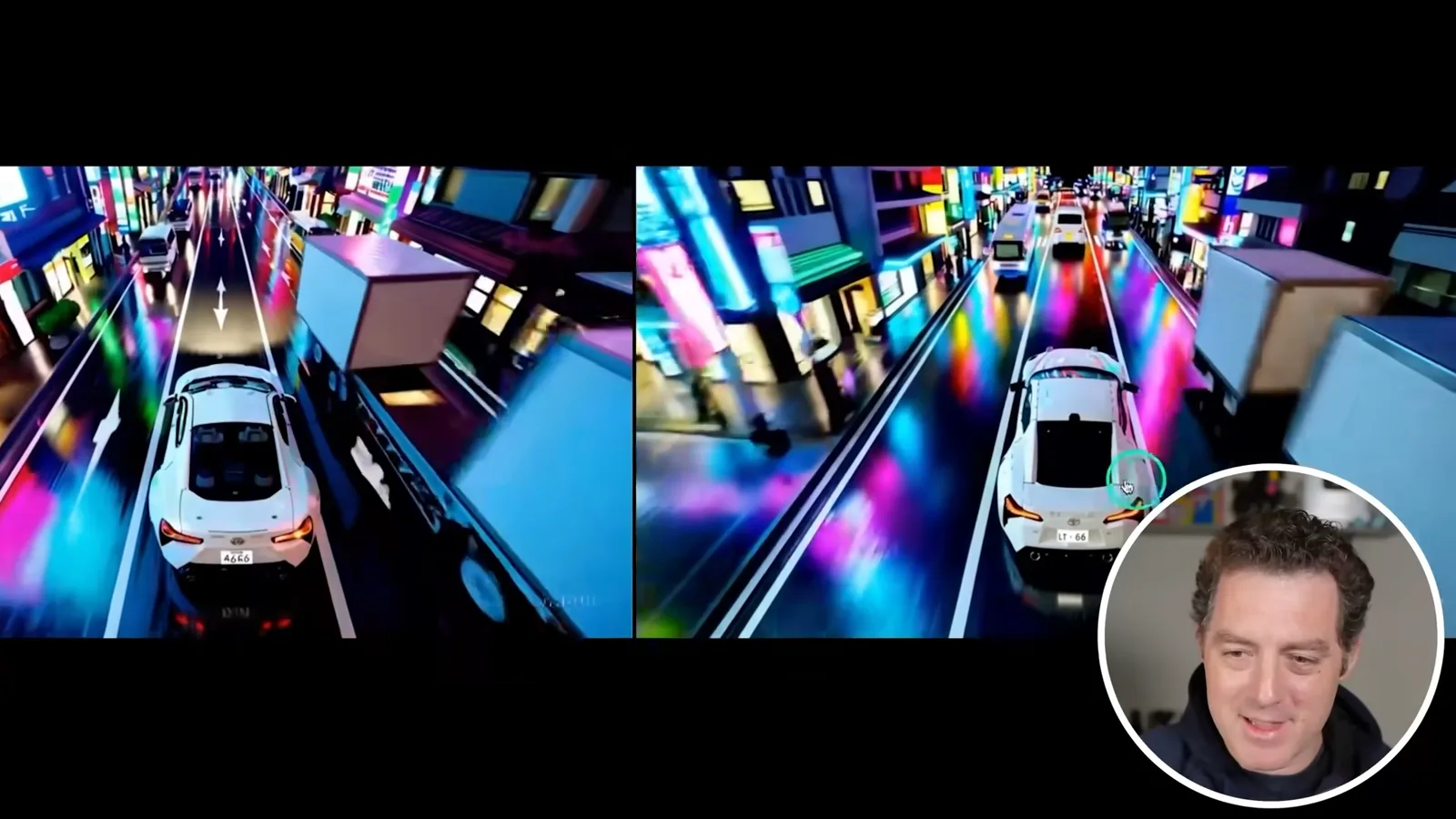
The Lego remix eventually completes, but I find the change less dramatic than expected despite the strong setting. Other attempts fail, so my launch-day test demonstrates both creative options and unreliable results under those conditions.
More from this channel
 25:50EN
 32:20EN
 1:03:37EN
 0:53EN
 0:22EN
 45:08EN