In 30 seconds
A 3Blue1Brown short introduces one possible way to encode images as sound. The speaker imagines assigning each pixel a unique frequency and playing brighter pixels louder, leaving the listener to interpret the combined signal.
- 1Start with a small imageThe example uses a 256-by-256-pixel image.
- 2Give each pixel a frequencyA unique tone can represent each position in the image.
- 3Brightness becomes volumeBrighter pixels produce louder components in the combined sound.
Takeaways
- An image can be treated as a grid of pixels.
- Each pixel can be assigned a distinct frequency whose volume reflects brightness.
- The mixed sound contains image information but may initially be difficult to interpret.
Read the edited text by chapter
Representing the image
A low-resolution image is represented as a grid of pixels.
Suppose we want software that lets people perceive images through sound. To make an initial experiment simpler, we can start with a low-resolution image, perhaps 256 by 256 pixels, and represent it as a square grid.
Mapping pixels to sound
Frequency represents position and volume represents brightness; all tones are played together.
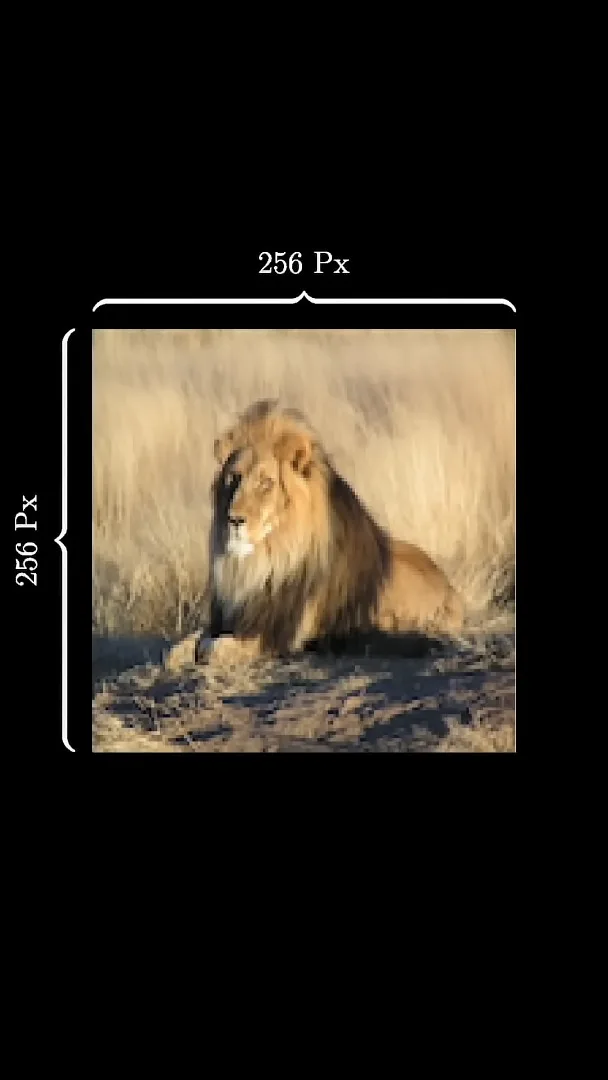
One approach is to assign a unique sound frequency to each pixel. The position in the image determines which frequency represents it.
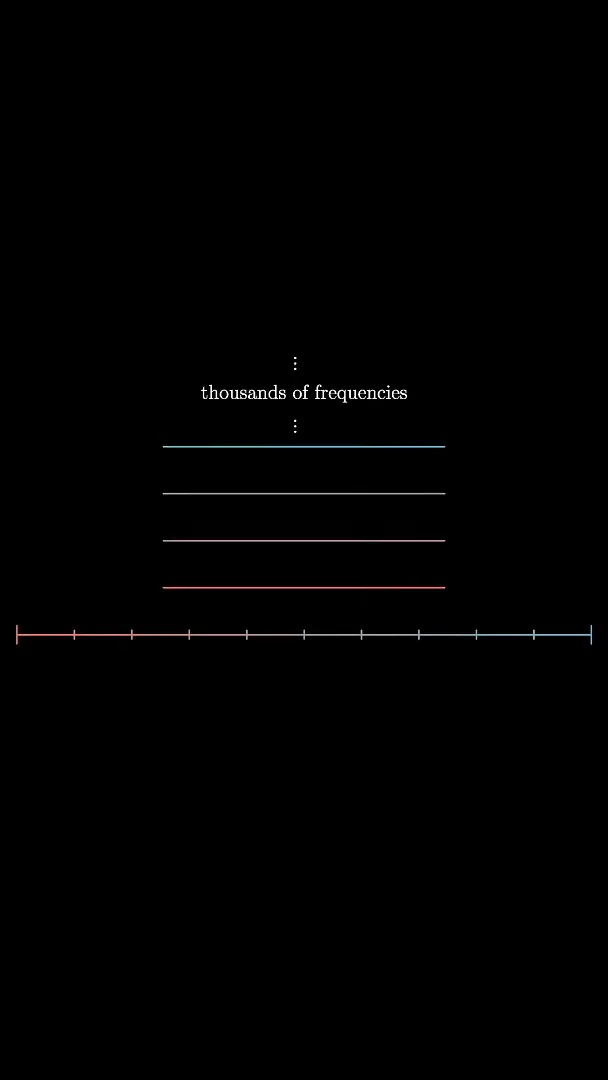
Play the frequency louder when its pixel is bright and more quietly when it is dark. Playing all the frequencies together produces a mixture whose strongest components correspond to brighter regions. At first it may sound like a cacophony; the idea is that a listener could learn to interpret the information within it.
More from this channel
 40:44EN
 3Blue1Brown· Oct 16, 2026Grant Sanderson: There's never been a better time to go into mathGrant Sanderson, Constantin Kogler · 3Blue1BrownStudents fear AI has solved mathematics. Grant Sanderson argues the opposite: even if machines prove theorems better than we do, the institution of math stays valuable—and this is a rare moment when newcomers can reshape it.
 51:55EN3Blue1Brown· Sep 18, 2026The last IMO problem AI could not solveGrant Sanderson · 3Blue1BrownGrant Sanderson walks through IMO 2025 Problem 6 — a tiling puzzle that frontier models missed — and the visual patience it takes to prove a construction is optimal.
 0:55EN3Blue1Brown· Jul 24, 2026The 64 Sugar Cubes Puzzle: Six Equal DistancesA 4×4×4 block has three colors; prove that six same-colored pairs share a distance.
 33:51EN3Blue1Brown· Jul 16, 2026What Cross-Entropy Connects: Compression, Language Models and KL DivergenceGrant Sanderson · 3Blue1BrownGrant Sanderson builds cross-entropy from code lengths and uses it to explain next-token training and distillation.
 2:25EN3Blue1Brown· Jun 12, 2026How Shannon Measured the Entropy of EnglishA guessing game helped Claude Shannon estimate how much information English text contains, and why prediction is central to compression.
 1:02EN3Blue1Brown· Jun 10, 2026A Robot Walk and the Puzzle of Optimal Binary EncodingHow few bits does it take to send directions that occur with unequal frequencies?